01
Review the affiliate balance
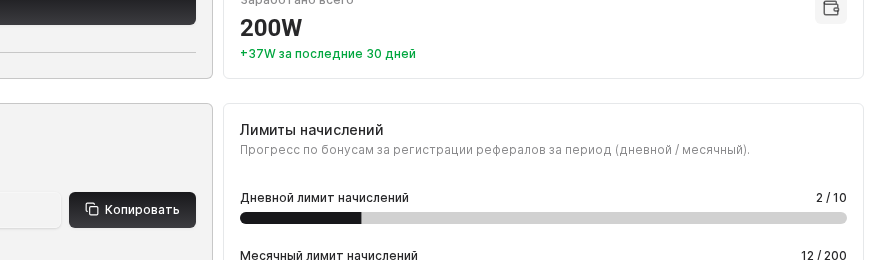
Open the Affiliate program section. The balance card shows how many workens you have and the partner discount that applies when purchasing Worken plans for customers.
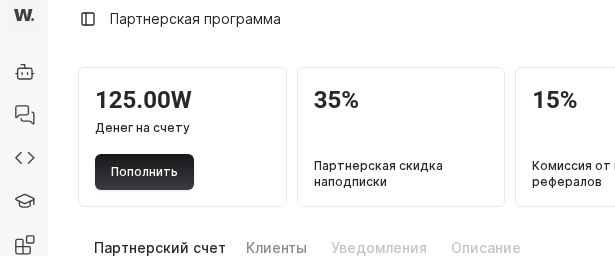
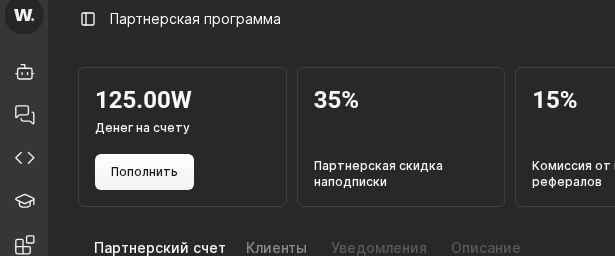

The affiliate dashboard keeps balance, referral links, payouts, and customer stats in one place.
Before you start
Open the Affiliate program section. The balance card shows how many workens you have and the partner discount that applies when purchasing Worken plans for customers.
Click Copy link and send it to prospects. Once a new user signs up and tops up, commissions are credited to your affiliate balance automatically.
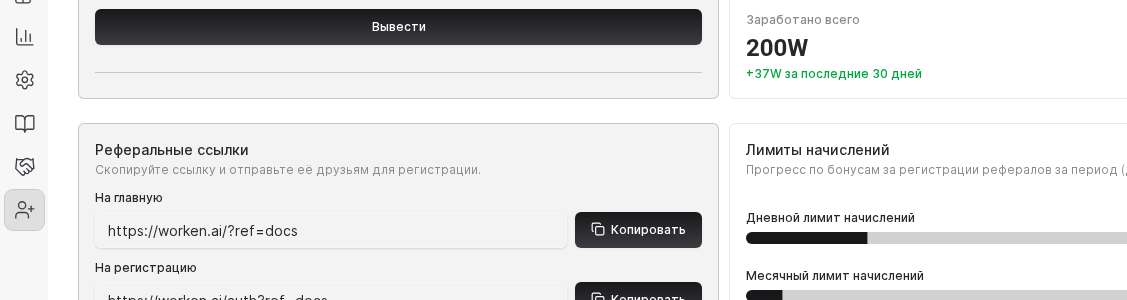
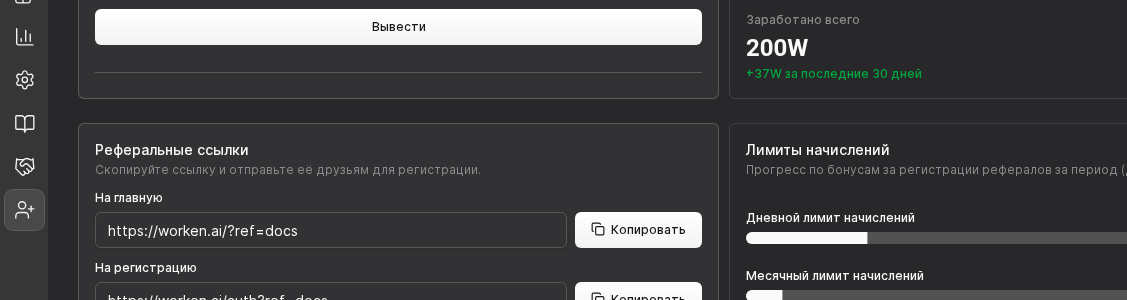
Monitor the Client statistics table to understand who already paid and who still evaluates Worken. Use this data to offer tailored onboarding or discounts.
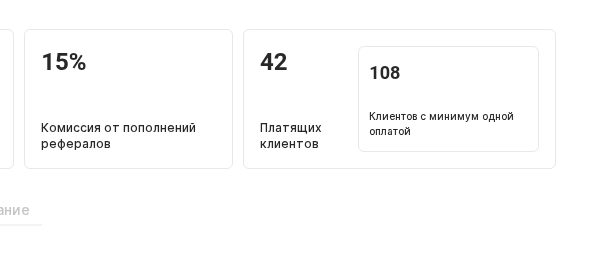
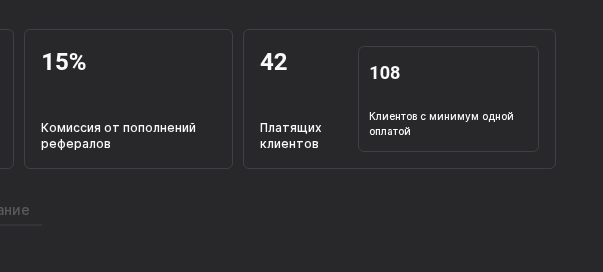
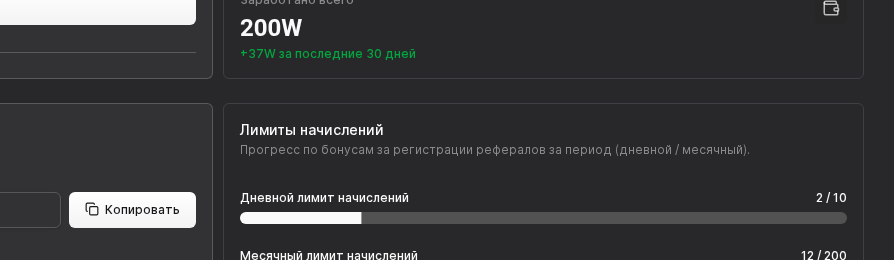
Review the Registration bonuses and Commissions blocks. Bonuses are capped at 100 per day and 1,000 per month, while commissions depend on plan level. These rewards are credited to your affiliate balance and can cover your Worken usage.
TIP
Offer a discount from your own worken balance if a prospect hesitates. It increases conversion and still yields recurring commissions.
WARNING
Spam outreach, fake accounts, or artificial registrations violate the program rules. Violations can void rewards and suspend affiliate access.
Example
An automation agency shared the referral link in its onboarding emails. Three customers purchased Business S, and the agency’s affiliate balance covered its own Worken usage the following month.