01
Open the Tools tab
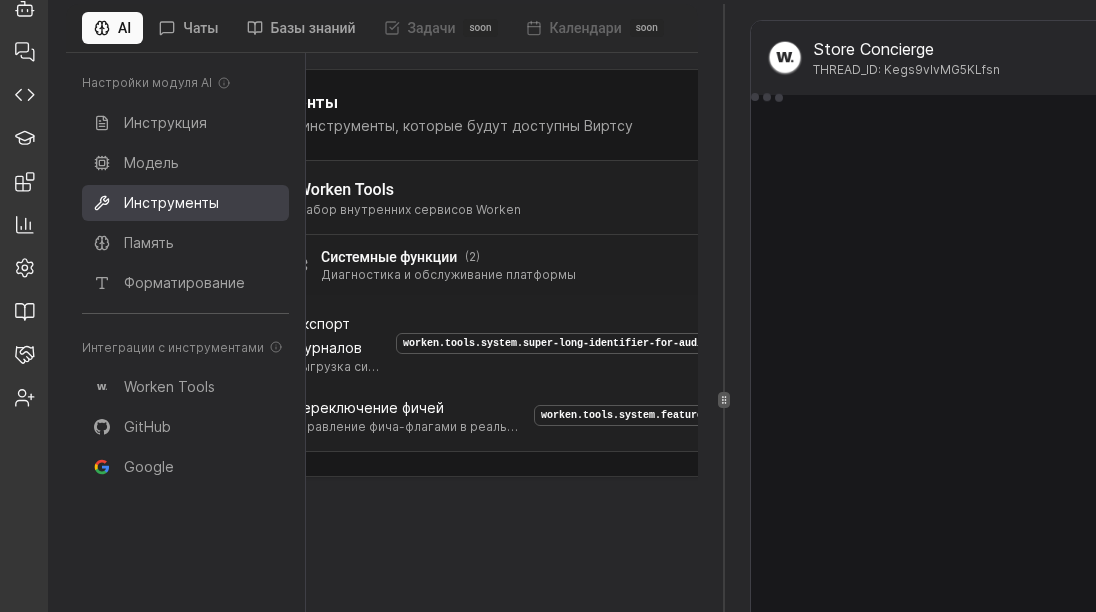
In the virt card select AI then Tools. Confirm the workspace environment and make sure no pending changes need approval before you add a new integration.
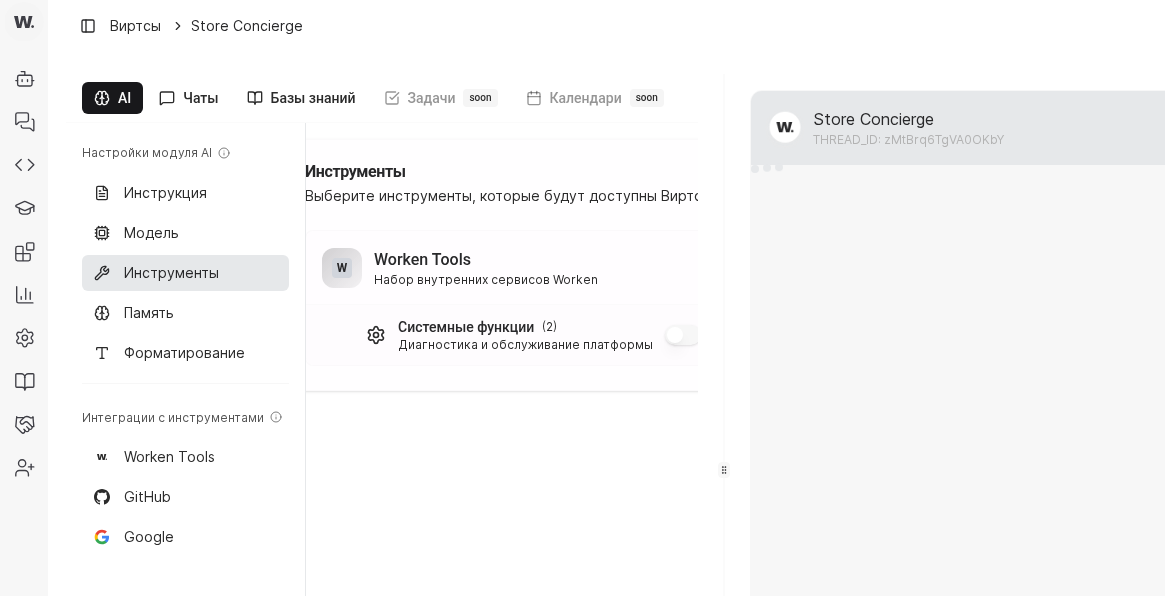
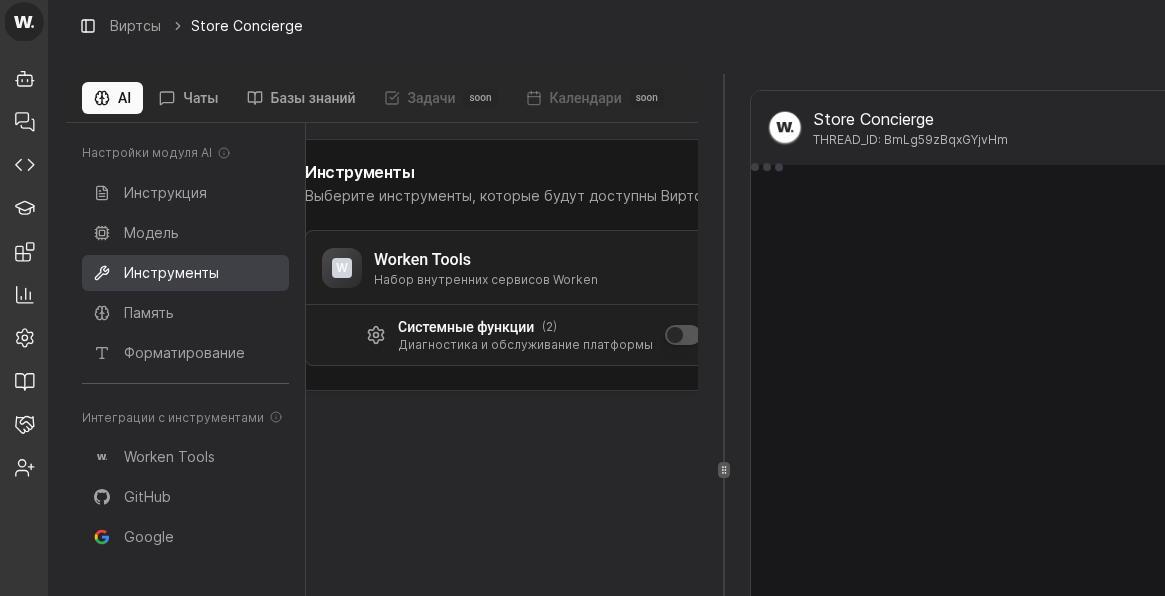

Tools connect a virt to CRMs, internal APIs, or data feeds. This page shows how to add, scope, and document every action the virt may run.
Preconditions
In the virt card select AI then Tools. Confirm the workspace environment and make sure no pending changes need approval before you add a new integration.
Pick the integration, click Connect, and paste the token or webhook. For CRMs choose the pipeline and owner that should receive new leads. Wait for the status to turn Active.
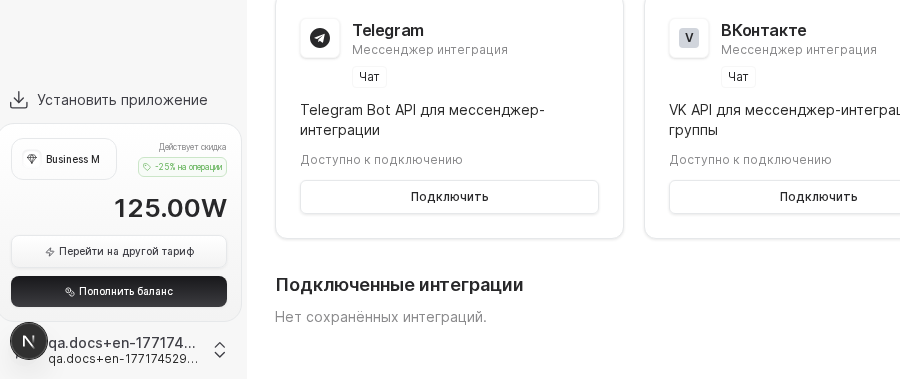
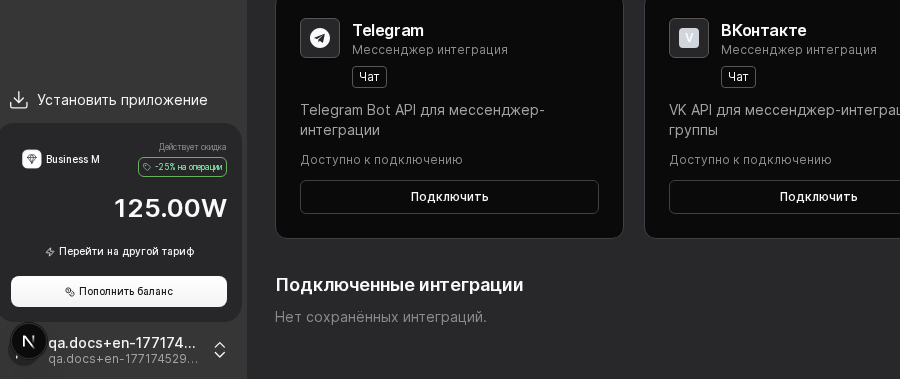
Define which objects the virt may read and which actions it may trigger. Allowing read-only access to finished deals or restricting task creation prevents unwanted automations downstream.
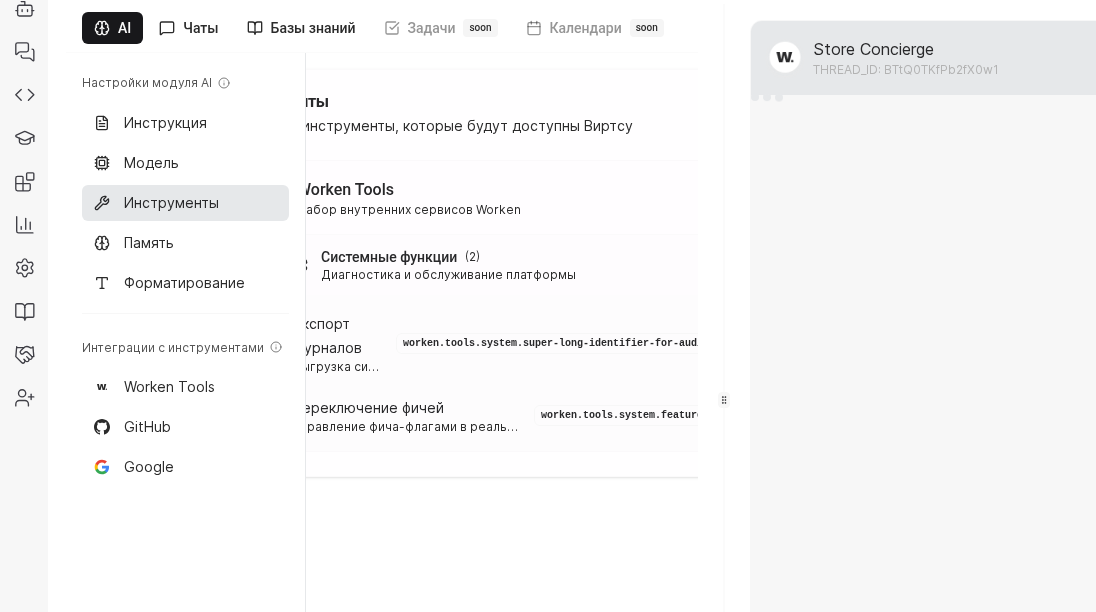
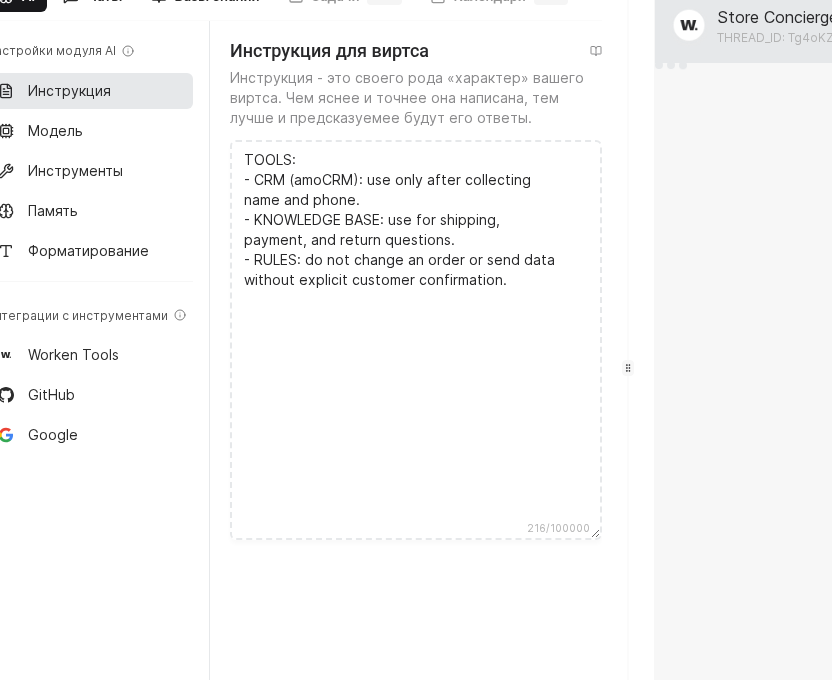
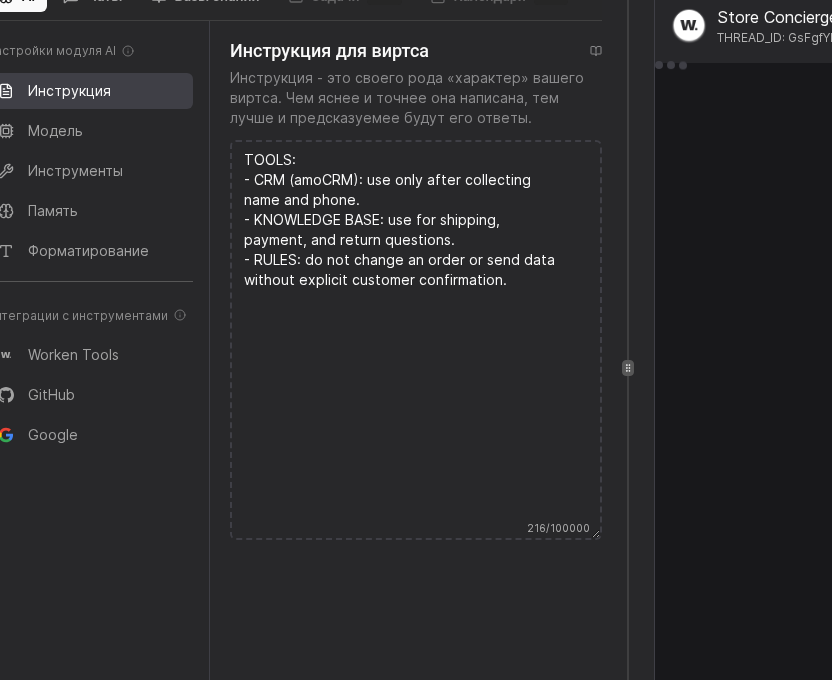
Update the system instruction with a TOOLS block that states when the virt may call each integration and which user details it must confirm first. Run a quick preview chat to make sure the virt follows the new guardrails.
INFO
Never reuse personal tokens. Create service accounts for every integration so you can rotate credentials without disabling the virt.
Example
A staffing agency links amoCRM and an internal roster API. The virt only creates a lead after it collects phone, city, and budget. Deals now land in the right pipeline, and recruiters spend their time on qualified requests.