01
Open the Memory tab
Select the virt, choose AI, and open Memory. Confirm the environment toggle so you edit the right workspace.
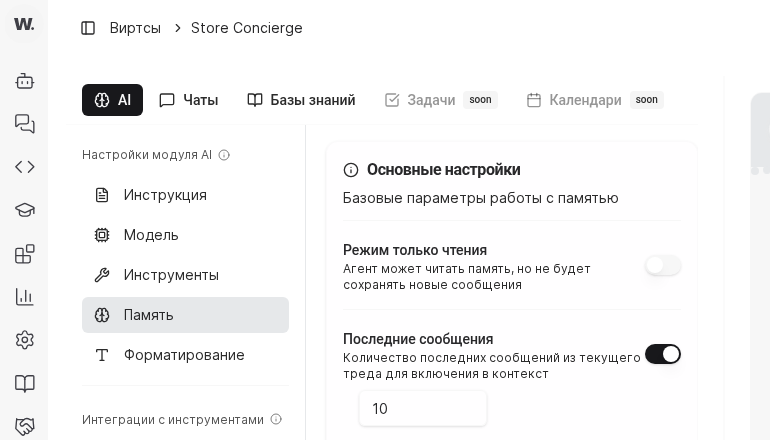
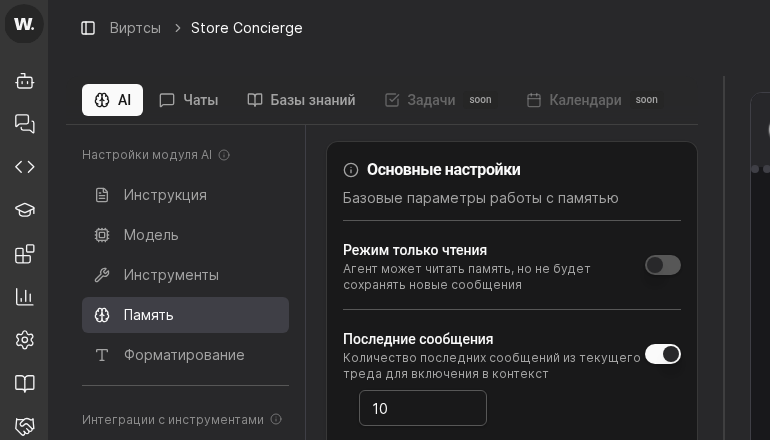

Memory settings decide how much of the previous dialog a virt reuses in each response and whether new turns are written to history. Tune them to balance cost, privacy, and quality.
Preconditions
Select the virt, choose AI, and open Memory. Confirm the environment toggle so you edit the right workspace.
Set a short window (up to 20 messages) for FAQ flows, a medium window (30-50) for consults, or a long window when you troubleshoot complex issues. Remember that longer context increases spend and latency.


Use Last messages to cap how much recent context is retained per thread and keep spend predictable. If needed, enable read-only behavior so the virt can use existing memory but does not write new history during sensitive flows.
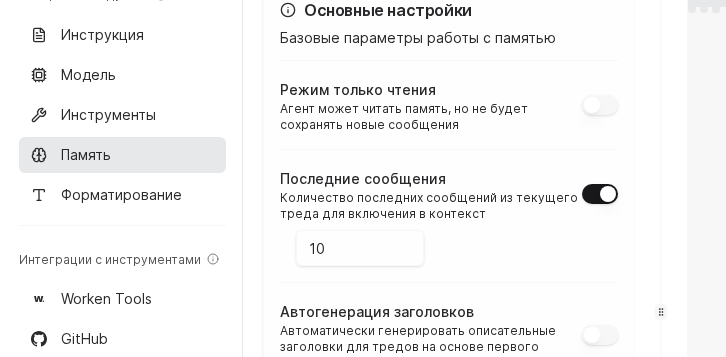
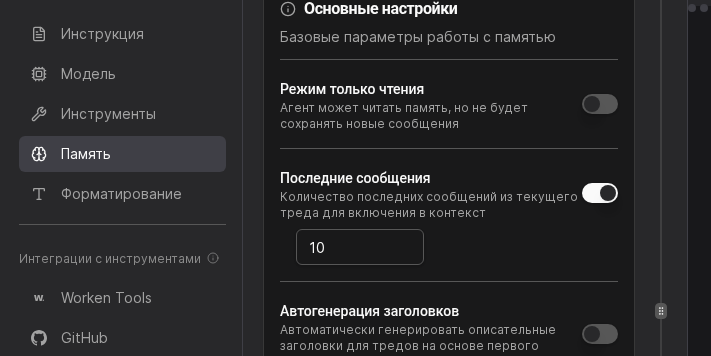
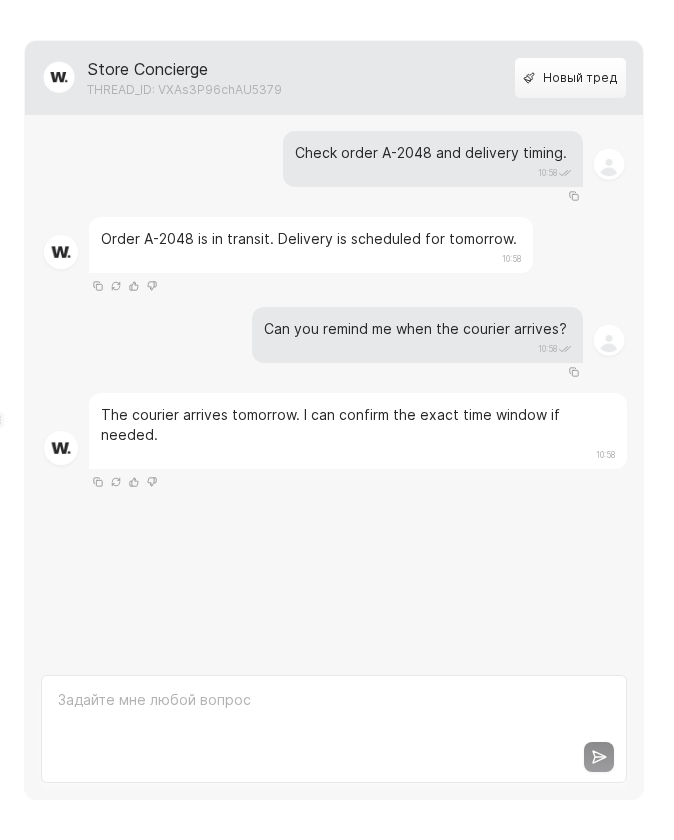
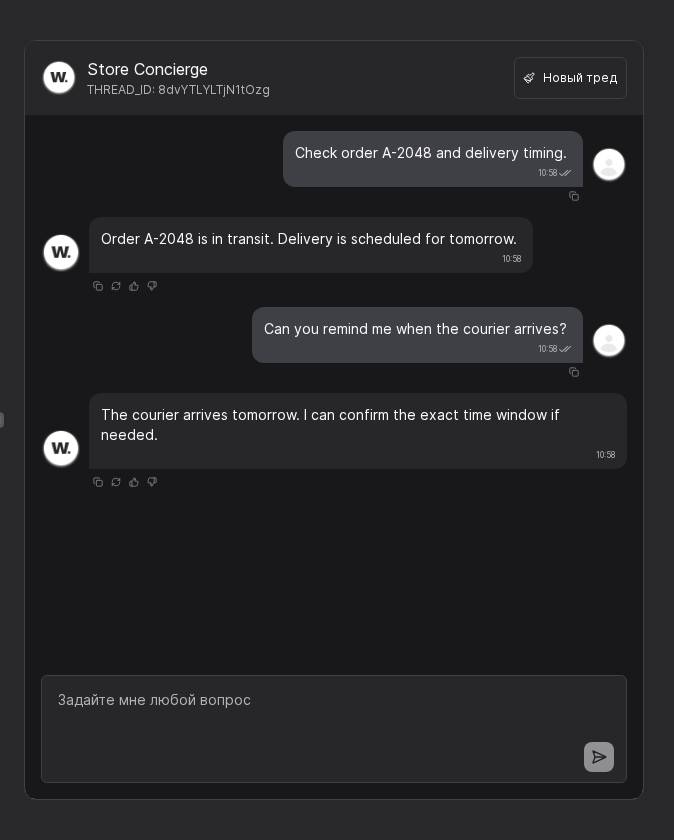
Send two or three linked questions in the preview channel and confirm the virt references earlier answers correctly. If context gets lost, either expand the window or update the instruction to restate key facts.
WARNING
Keep only the context you need. If policy requires minimizing personal data, reduce Last messages and enable read-only mode in sensitive flows.
Example
A fintech support virt keeps a 40-message window and enables read-only mode for sensitive flows. This preserves continuity while preventing unnecessary data from being written to history.