Skip to content

Worken Operations Playbooks

This hub keeps operational ownership, analytics checks, spend control, and access hygiene in one place so teams can run Worken predictably after launch.

Before you start

  • Assign owners for security, analytics, integrations
  • Ensure every owner has Worken editor access plus budget visibility
  • Prepare a shared note space (Notion, Confluence, Worken Notes)

Steps

01

Map operational surfaces

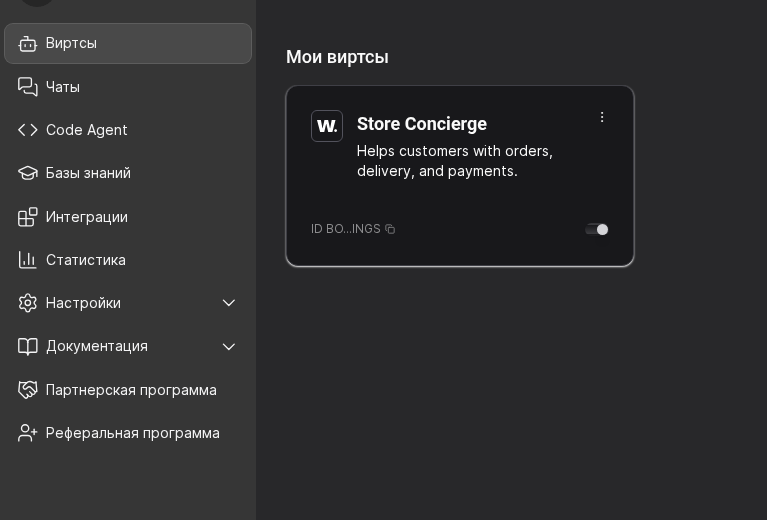
  1. Open your workspace and locate the core operation areas in the sidebar: Integrations, Statistics, and Settings.
  2. In your runbook, assign one primary owner and one backup owner for each area.
  3. Keep this ownership mapping in the runbook so on-call and product teams follow the same operating model.

Owner matrix (example):

Загрузка диаграммы...

Use this matrix in your runbook so everyone knows who approves changes and who covers each area.
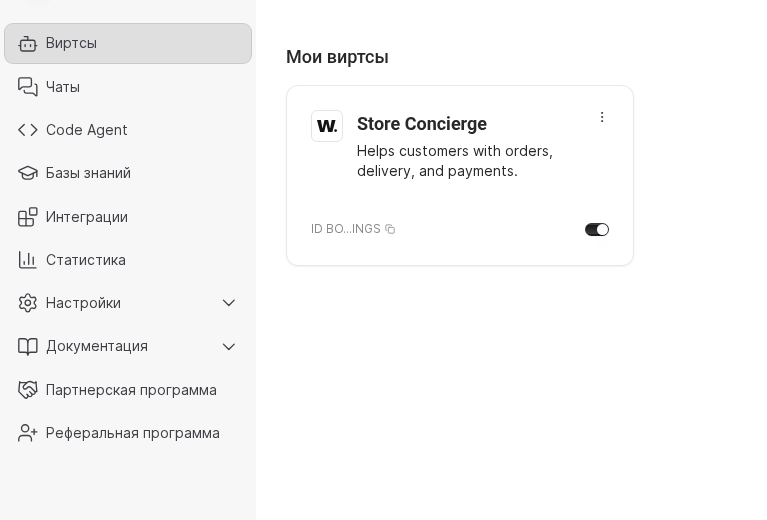
Worken sidebar with integrations, statistics, and settingsWorken sidebar with integrations, statistics, and settings
Use the sidebar to anchor areas; owner assignment is maintained in your runbook
02

Review analytics and spend weekly

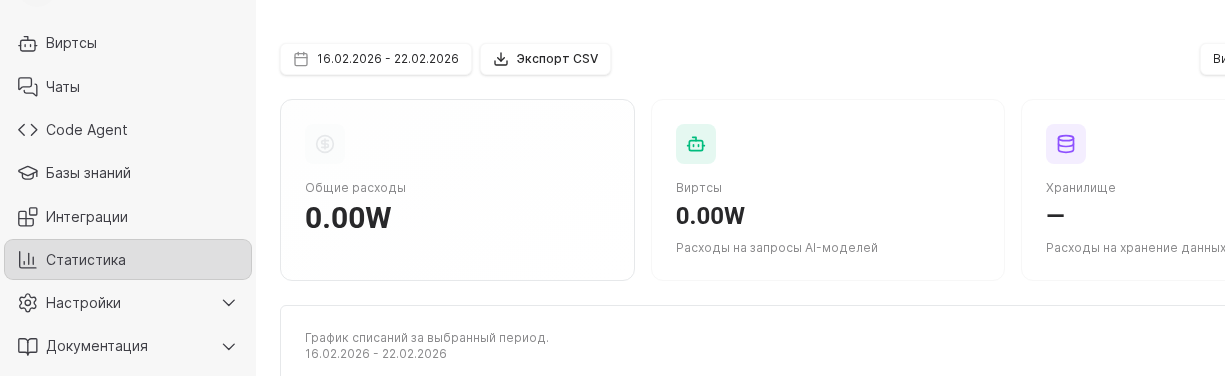
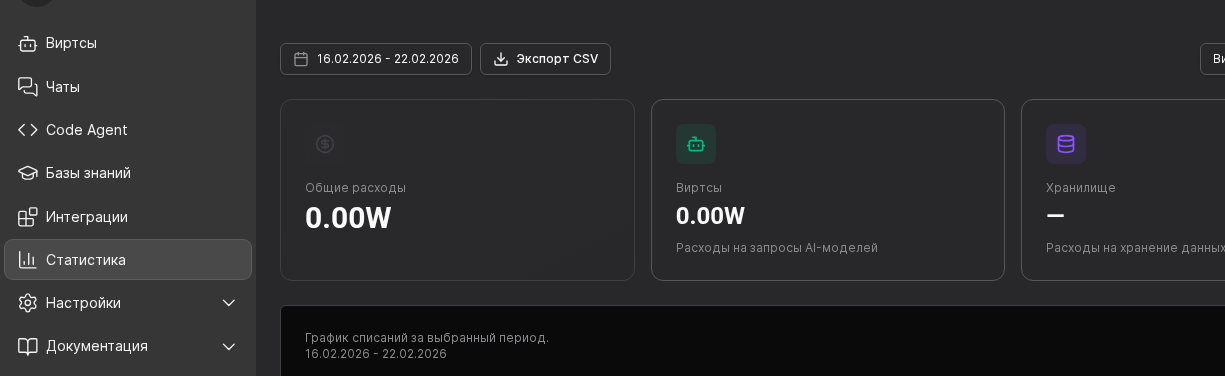
  1. Open Statistics and set the date range for your review period.
  2. Review the summary cards (total spend, virt spend, storage) to spot unusual drift early.
  3. Log actions for every anomaly (instruction fix, model change, connector check) in your ops notes.

Weekly analytics checklist:

  • Compare total W-token spend against last week and your plan.
  • Check which virts contributed the largest share of spend and identify outliers.
  • Review 3-5 conversations manually and log what to improve (instructions, knowledge, limits, channels).
Worken statistics dashboard with spend cards and date rangeWorken statistics dashboard with spend cards and date range
The Statistics page is your primary weekly checkpoint for quality and spend
03

Audit service access

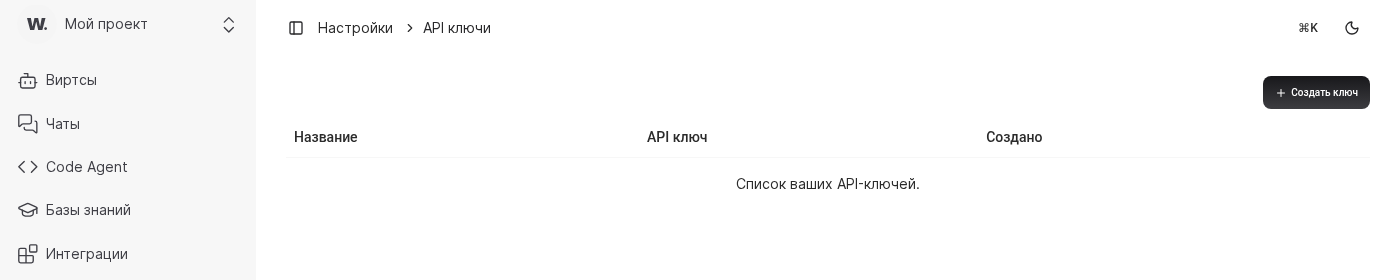
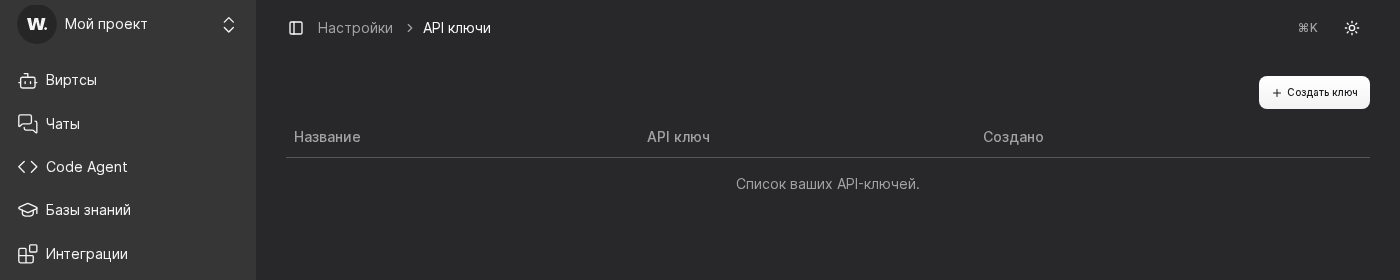
  1. Open Settings → API Keys and verify which keys are active.
  2. For each key, track owner, purpose, and planned rotation date in your security register.
  3. Rotate unused or orphaned keys and keep secrets only in your secret manager.
API keys page with create key actionAPI keys page with create key action
API Keys should be reviewed as part of regular operations governance

Practical example

Example

Practical Example

Context. A retail support team runs multiple virts and needs stable weekly operations.

Setup. They mapped owners to Integrations/Statistics/Settings, added a weekly dashboard review, and audited API keys monthly.

Outcome. Spend anomalies are found early, ownership is clear, and access hygiene stays under control.

Руководство пользователя Worken AI