Skip to content

Main settings

This page walks you through every required virt setting so the team can align tone, model, and channels before rollout.

Preconditions

  • Created virt and admin-level access
  • Approved tone of voice and guardrails
  • Knowledge sources and integrations you plan to connect
  • Spending and request limits agreed with stakeholders

Steps

01

Open the settings module

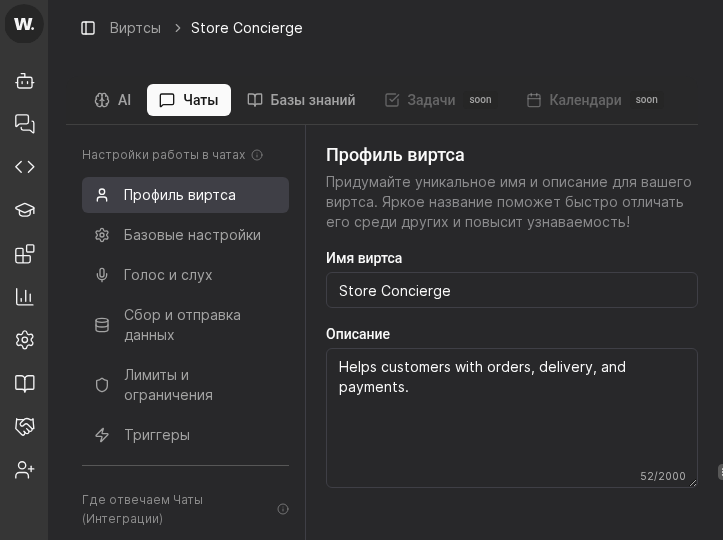
  1. Open the target virt card and switch to the “Chats” tab.
  2. Confirm the screen shows “Настройки работы в чатах” and the “Профиль виртса” section.
  3. Use top tabs “AI” and “Чаты” to move between system instructions and chat settings.
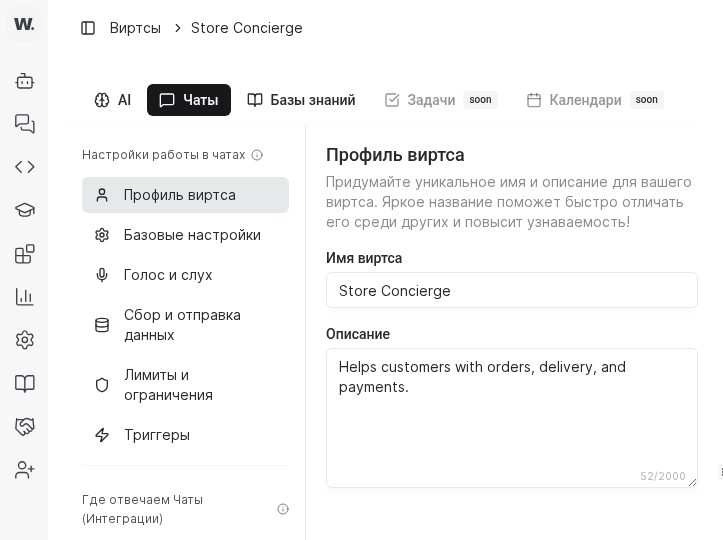
Virt settings overviewVirt settings overview
All configuration areas live inside the virt card
02

Fill in system instructions

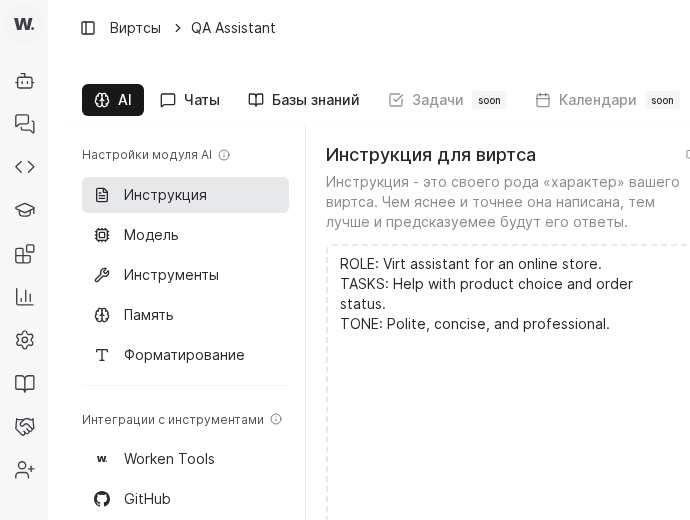
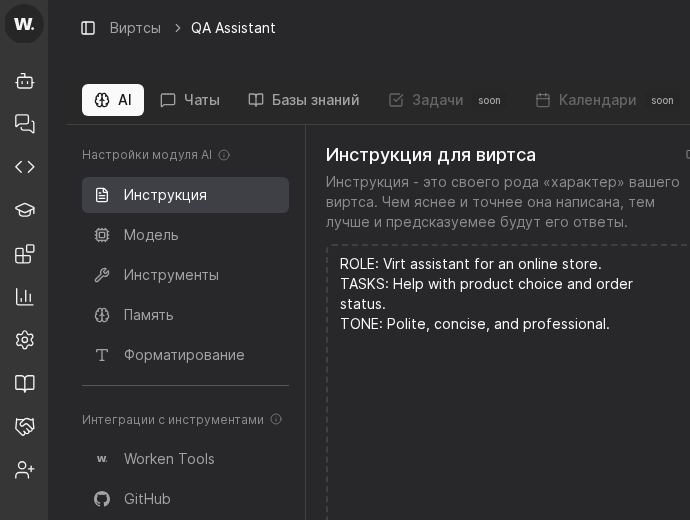
  1. Describe the role in Virts Instructions.
  2. Pick a vendor, model, temperature, and Top P in Model configuration.
  3. Attach required Tools and enable memory in the Memory section.
Instruction editorInstruction editor
Instruction, model, tools, and memory sit in consecutive tabs
03

Shape the chat experience

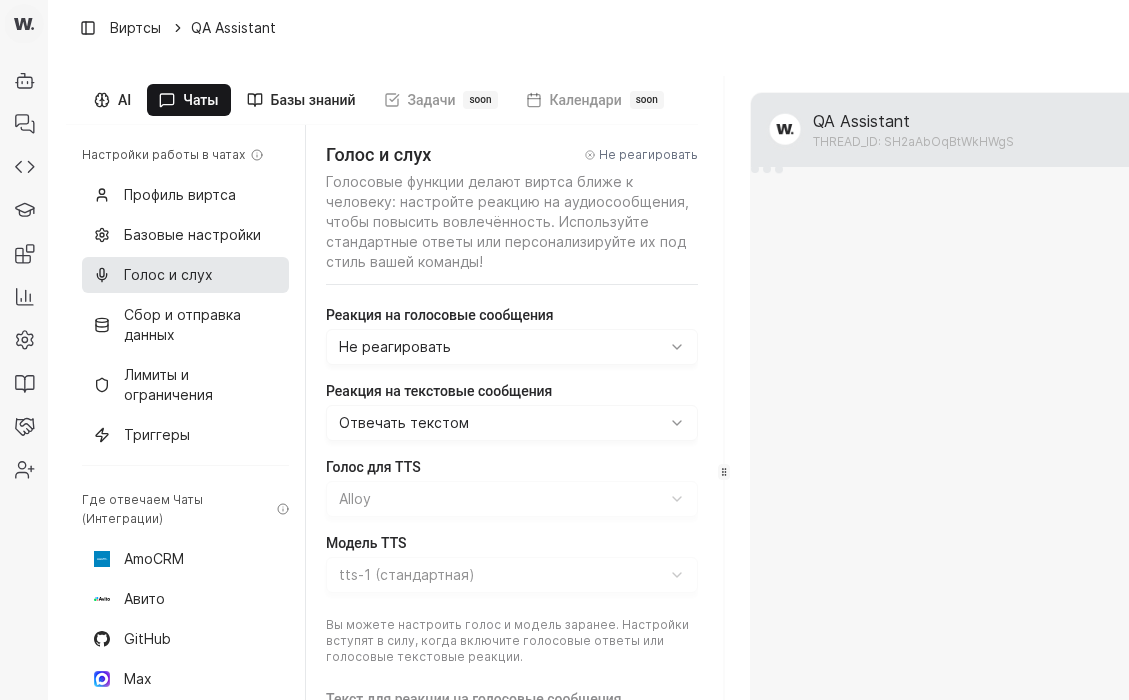
  1. Set the persona inside the Chat profile.
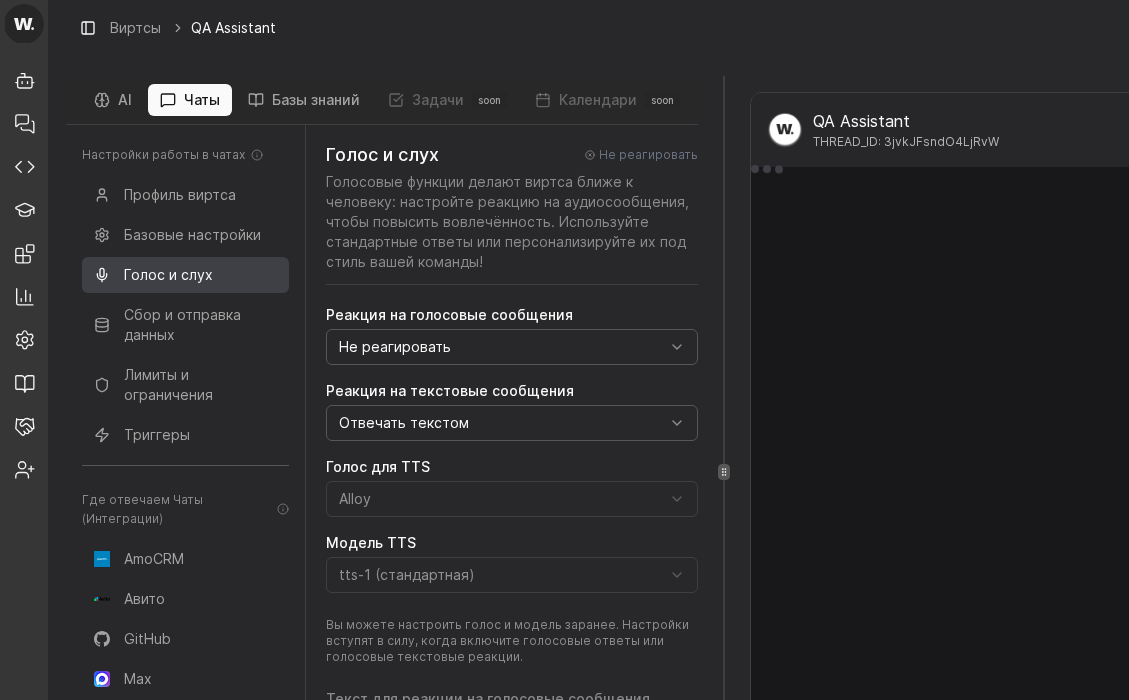
  2. Configure recognition and voice output via Voice and hearing.
  3. Define what customer data is stored through Data collection.
Voice and chat profile settingsVoice and chat profile settings
This step sets the persona, voice, and captured data
04

Enforce limits and QA

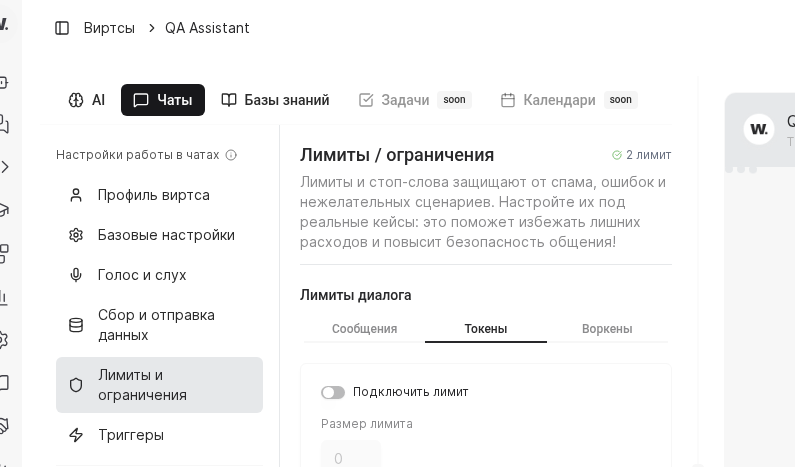
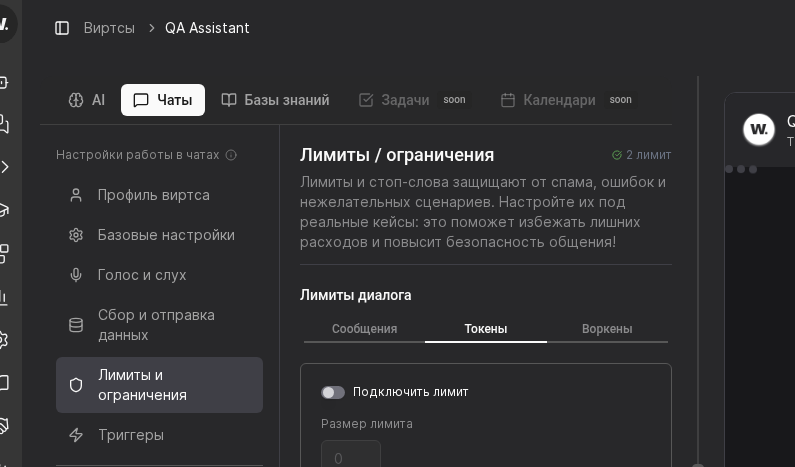
  1. Open Limits and restrictions to set budgets and request caps.
  2. Link those limits to your business goals and decide who monitors usage.
  3. Schedule routine reviews of instructions and knowledge sources once results arrive.
Limits configurationLimits configuration
Budgets keep spending predictable during launches

Practical Example

Example

Practical Example

Context. A support team launches a virt to triage website questions.

Setup. The instructions describe an online consultant persona, the model is gpt-4o-mini with low temperature, a “check order” tool is enabled, and the chat profile uses the brand avatar.

Result. 70% of requests resolve automatically while spending stays inside the configured limits.

Руководство пользователя Worken AI