01
Open the instruction editor
From the Worken panel pick AI, choose the virt, and open the Instruction tab. Confirm you are editing the intended virt before changing the system prompt.
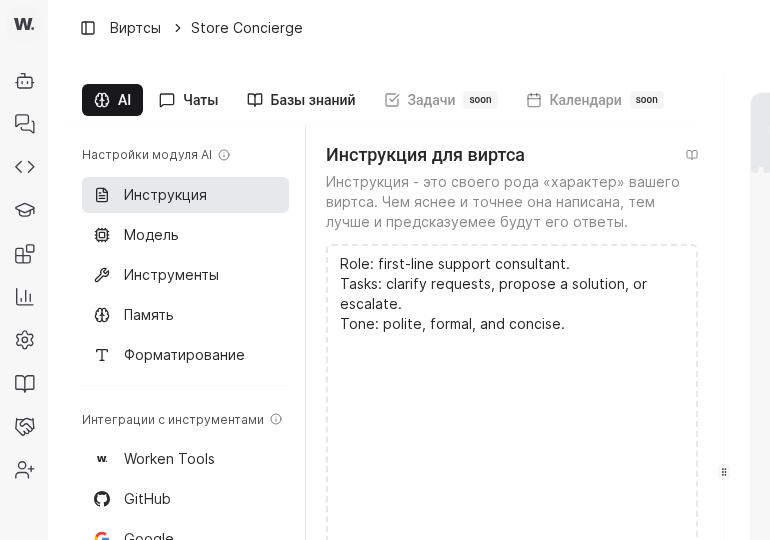
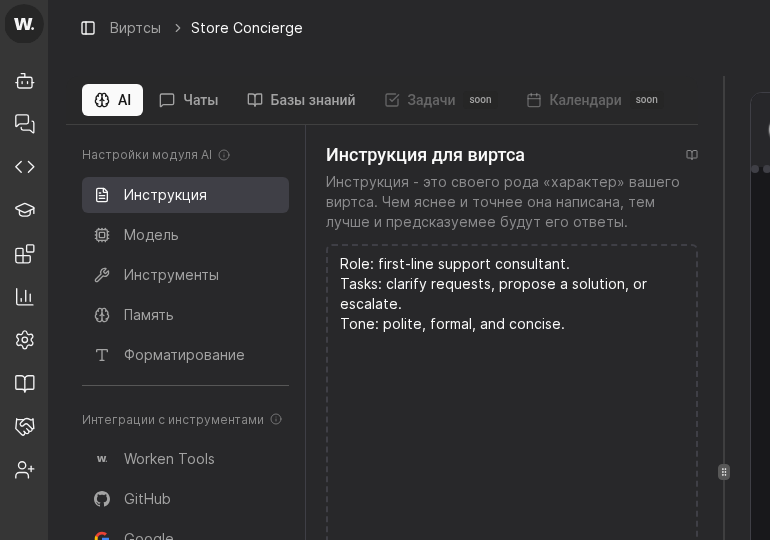

The system instruction defines the role, guardrails, and sample tone for a virt. A concise brief keeps every change reviewable and prevents unexpected replies in production.
Preconditions
From the Worken panel pick AI, choose the virt, and open the Instruction tab. Confirm you are editing the intended virt before changing the system prompt.
Write a single sentence that states who the virt represents, which audience it serves, and what metric matters. Follow with a note about allowed tools or knowledge bases so reviewers know where answers come from.
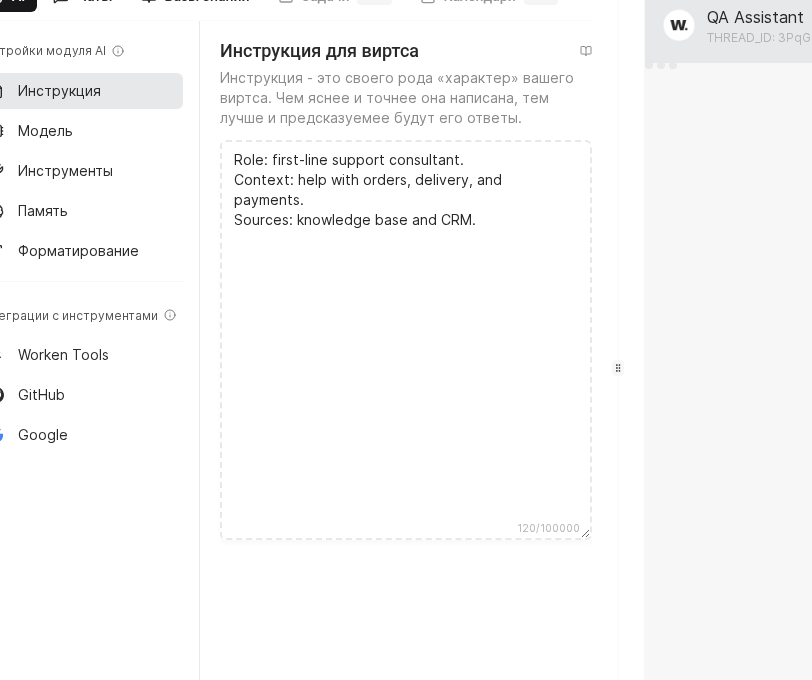
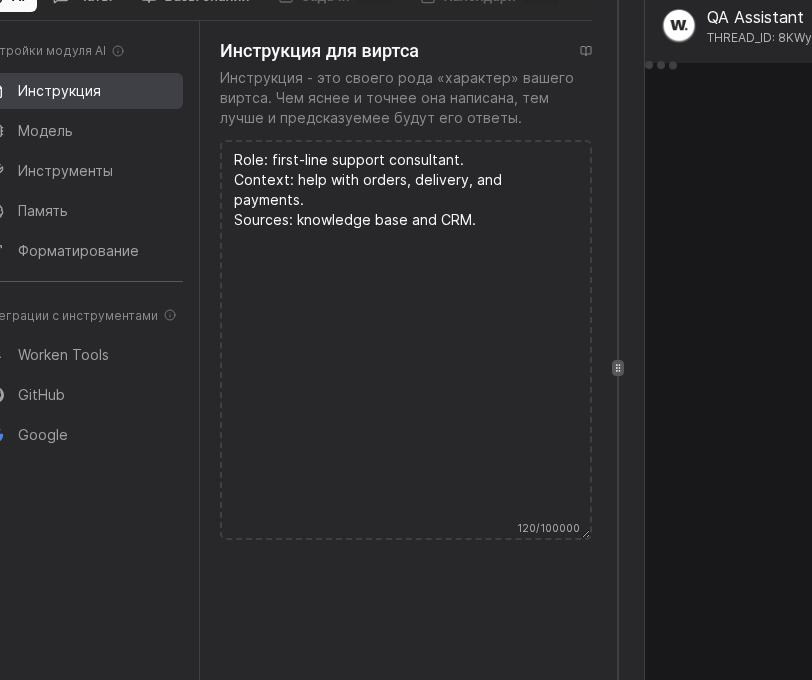
Add a TASKS heading with three to five bullets that describe actions the virt must complete. Right after it add a RULES heading that specifies tone, forbidden claims, and the handoff moment to a human.
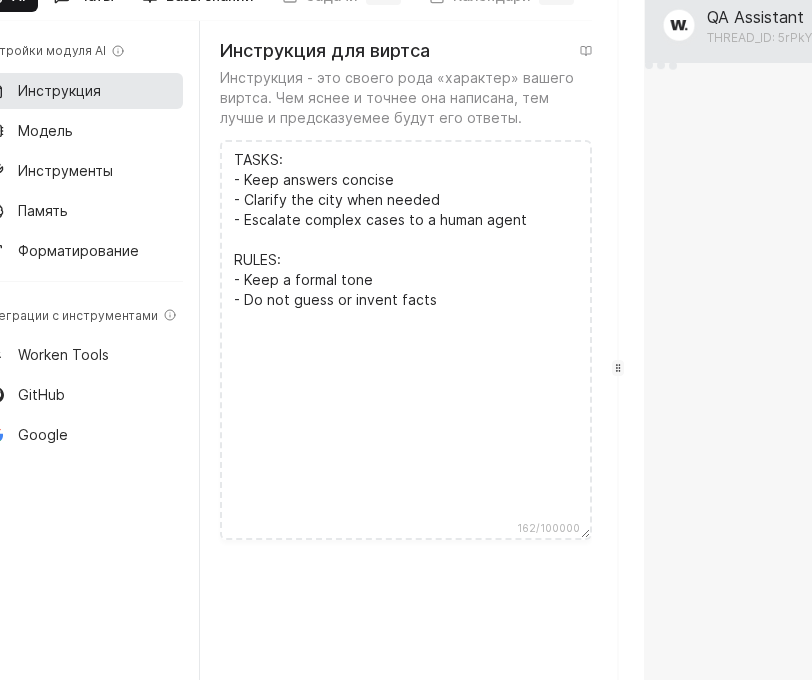
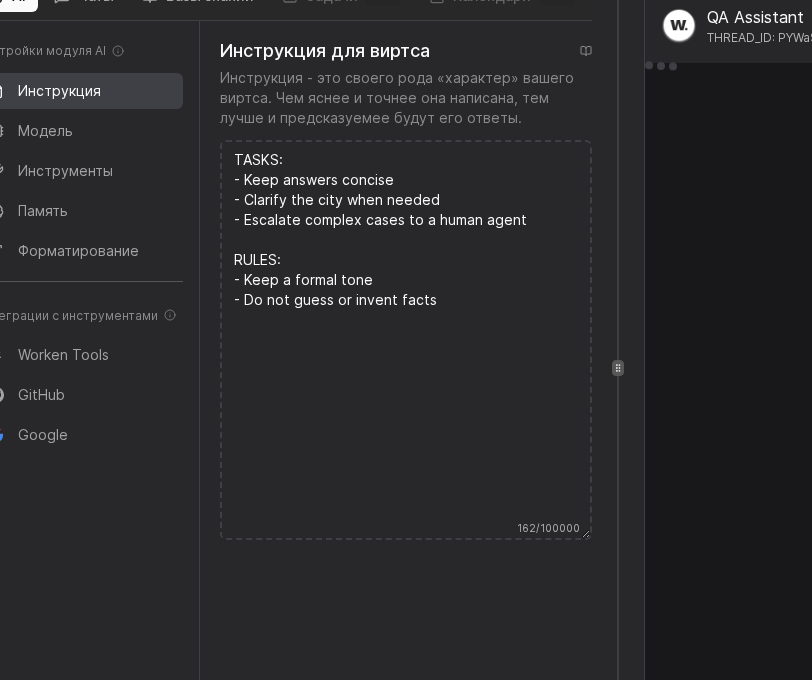
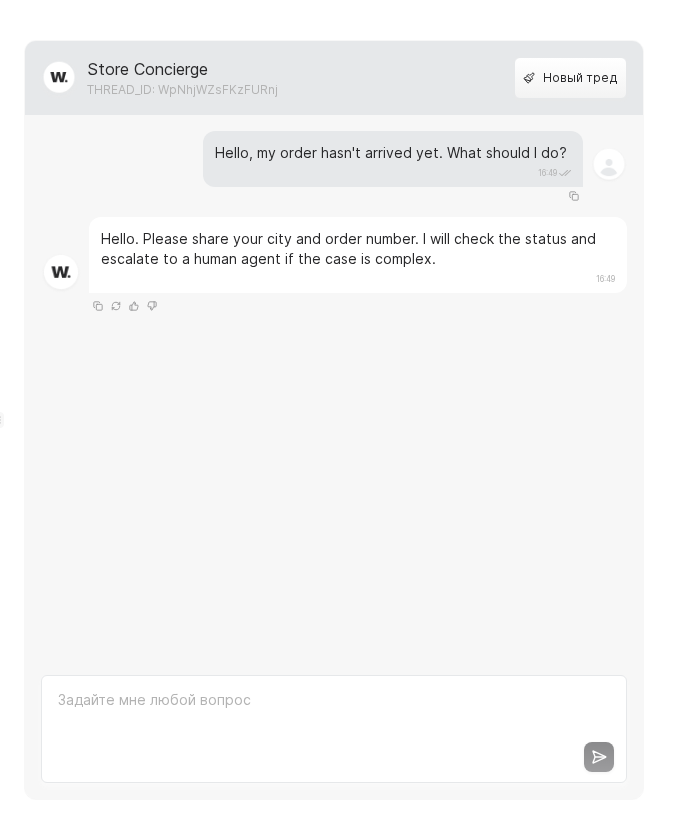
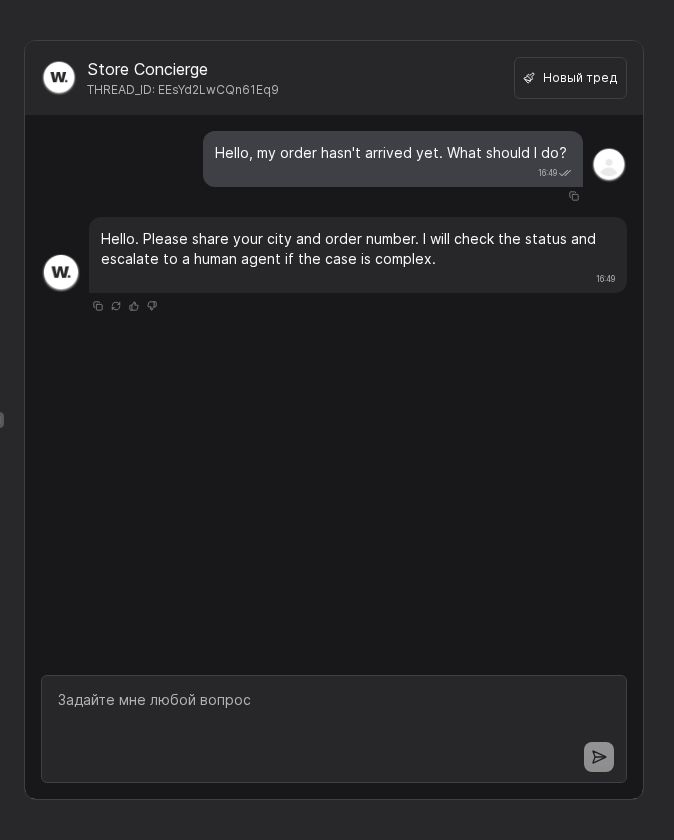
Close the prompt with a short dialog example that mirrors the expected tone. Hit Save and share the URL with the stakeholders who approve copy changes.
TIP
Revisit the instruction every time pricing, product names, or brand tone changes. A short changelog in the first paragraph helps support teams track the update.
Example
A telco uses the template “You are a retention virt for prepaid plans. You explain roaming rules and can only promise bonuses listed in the perks table.” The instruction includes a short example of a polite upsell, so every reviewer can check tone against a known target.