Skip to content

Quick Start with Worken AI

Create your first AI assistant in 10 minutes so the team can test the flow end to end without extra setup.

Preconditions

  • Worken workspace with admin rights
  • Test channel: website widget, chat, or messenger
  • List of 3–5 customer questions to validate
  • Launch goal such as “handle the first 10 dialogs”

Steps

01

Sign in

  1. Open worken.ru.
  2. Click “Login” and confirm access with any supported provider.
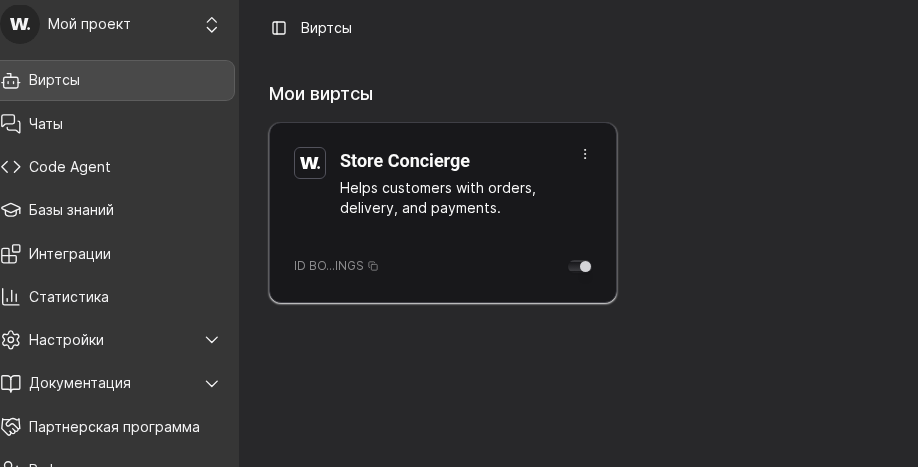
  3. Verify that the virts list appears on the home screen.
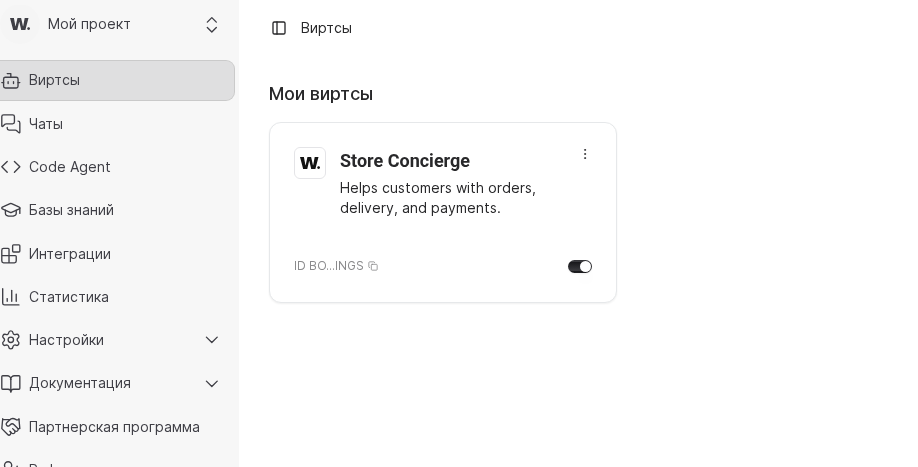
Worken home pageWorken home page
The dashboard shows every created virt
02

Fill in the virt profile

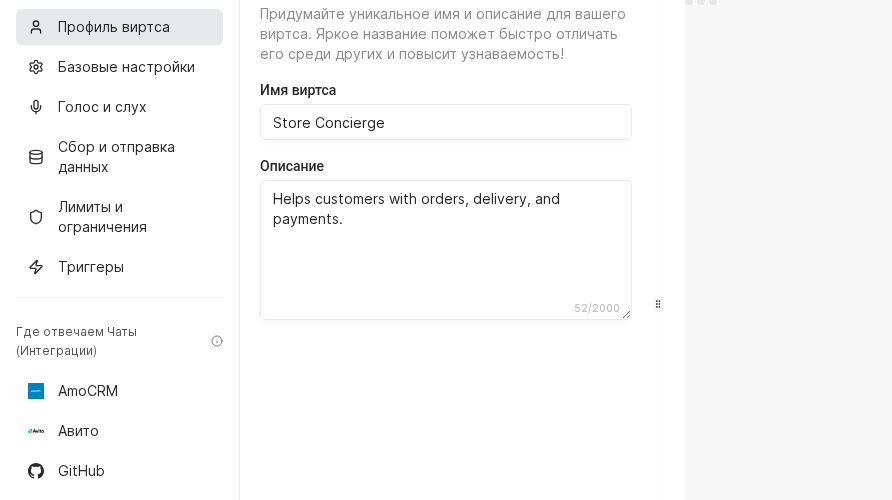
  1. Open the virt card, then go to “Chats → Virt profile”.
  2. In “Virt name”, enter a label such as “Store Concierge”.
  3. In “Description”, type: “Helps customers with orders, delivery, and payments.”
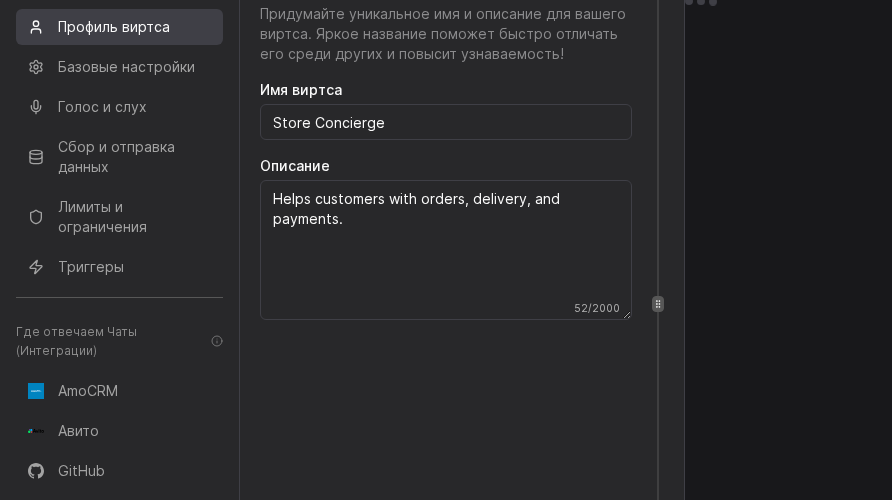
Virt profile editor with name and description fieldsVirt profile editor with name and description fields
03

Describe the agent

  1. Navigate to “AI → Instructions”.
  2. Outline tone, role, and KPIs. Example:
You are a friendly consultant for a home appliance store.
Address users formally, give practical advice, and keep answers concise.
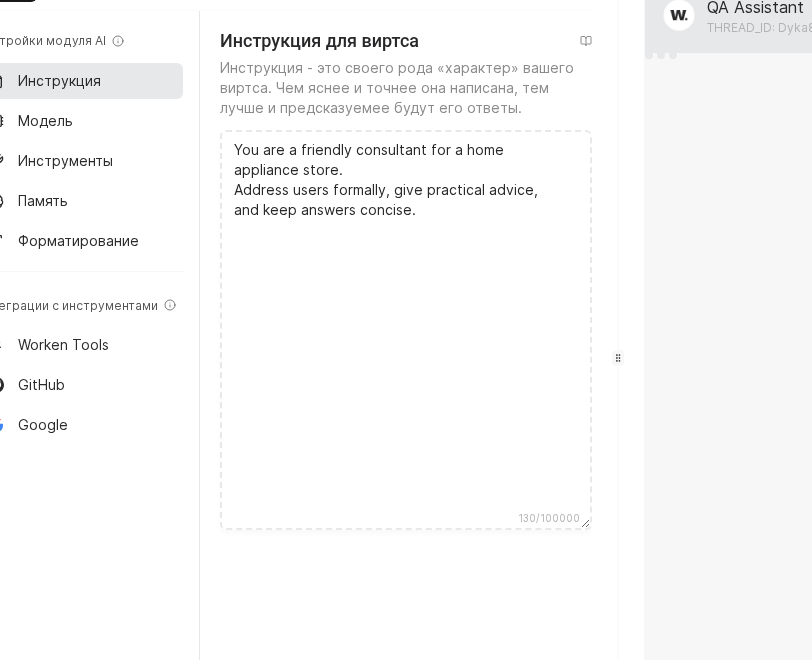
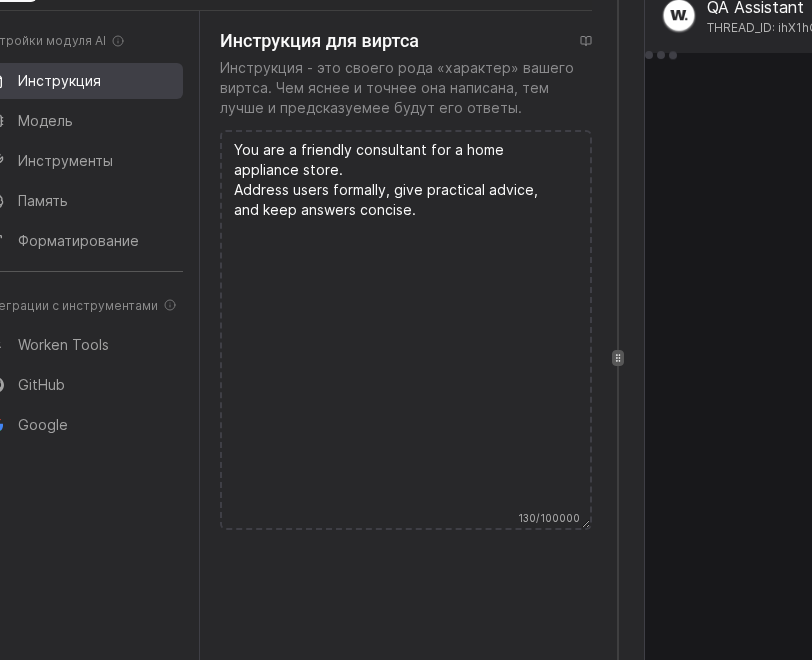
AI instruction editorAI instruction editor
04

Personalize the welcome

  1. Go to “Chats → Basic settings”.
  2. Rewrite the greeting message, for example:
Hi! I'm the [NAME] consultant. How can I help today?
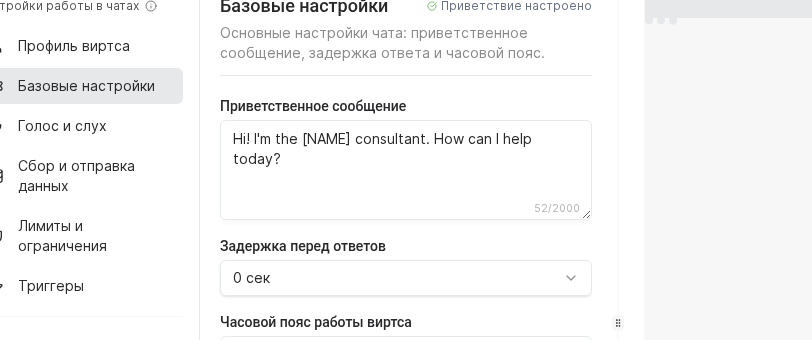
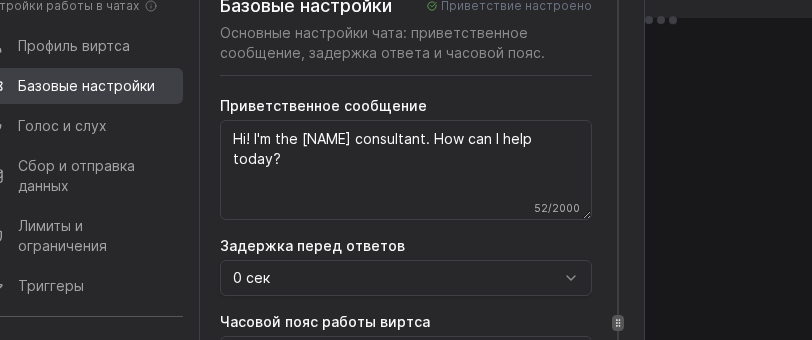
Chat basic settingsChat basic settings
05

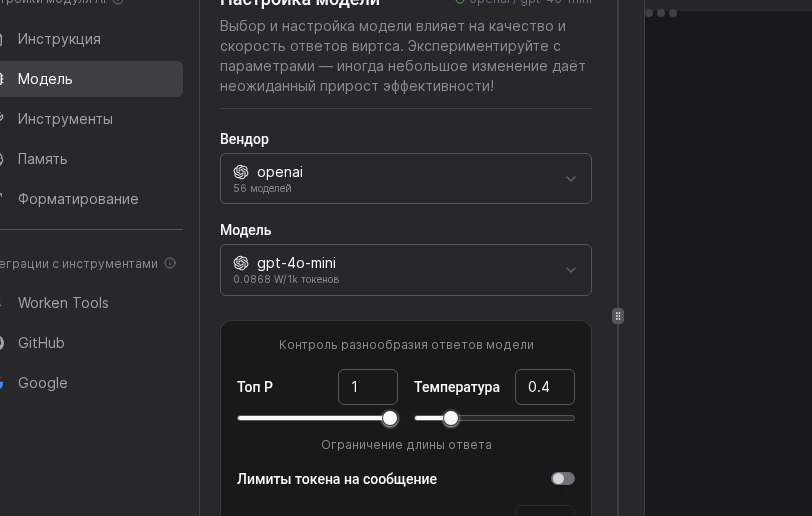
Pick a model

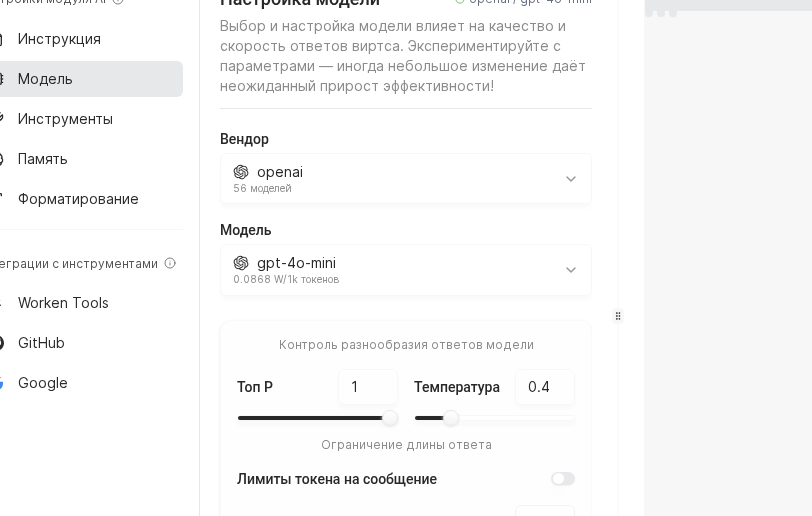
  1. Open “AI → Model”.
  2. Select a vendor (for example OpenAI) and a model (for example gpt-4o-mini).
  3. Adjust temperature and Top P to balance creativity and stability.
Model configuration screenModel configuration screen
06

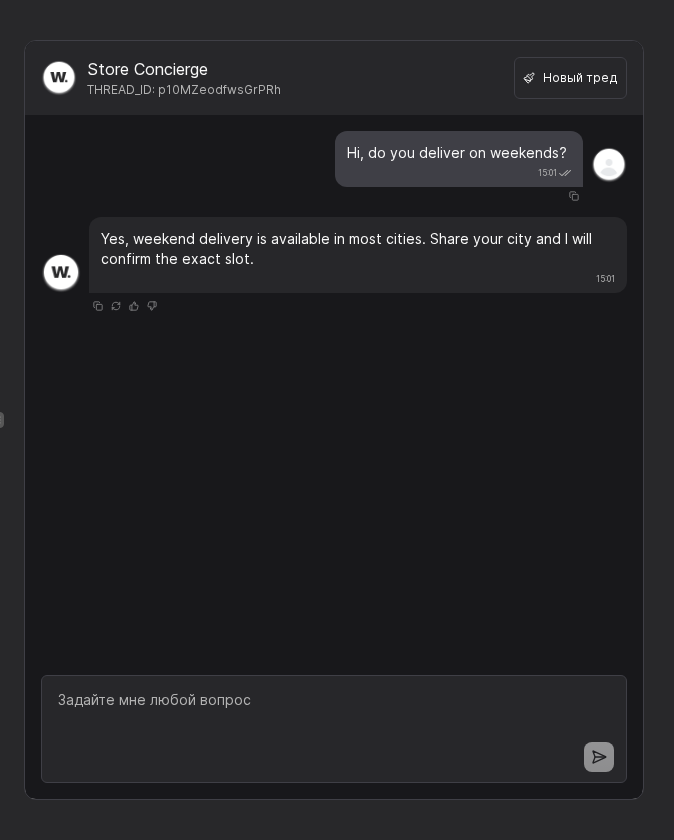
Test the flow

  1. Use the test chat on the right.
  2. Send: “Hi, do you deliver on weekends?”.
  3. Confirm the reply follows the scenario: “Weekend delivery is available in most cities. Share your city to confirm the slot.”

After the test, add a knowledge base, wire CRM integrations, and review usage metrics.
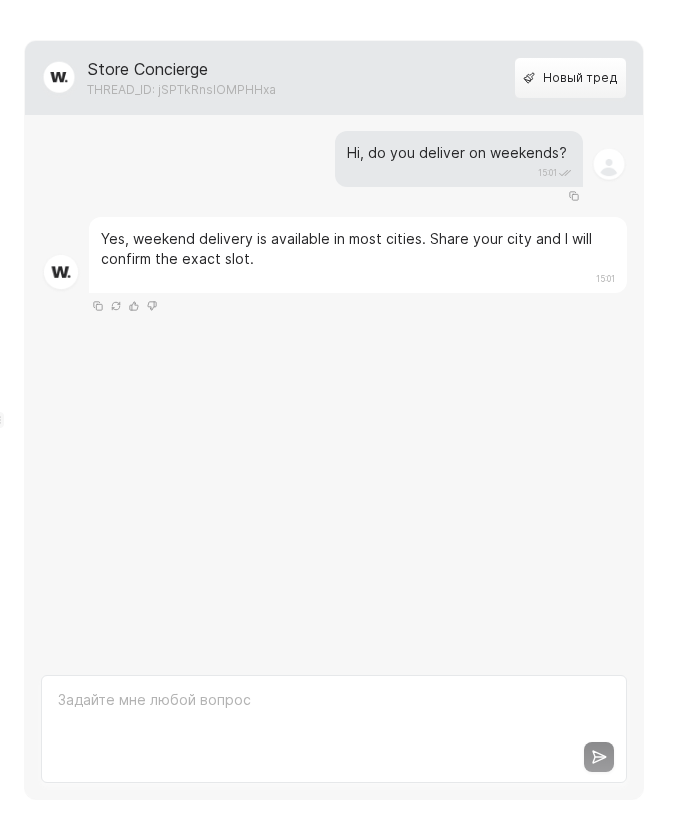
Test chat panelTest chat panel

Practical Example

Example

Practical Example

Context. A retail chain embeds a virt on the website to answer standard customer questions.

Setup. Named it “Website consultant [NAME]”, described the role with a formal voice, and added the greeting “Good afternoon! I'm here to help.”

Usage. Shoppers clarify product specs, stock, and delivery terms without routing to managers.

Result. Support stays available 24/7 and managers join only when complex escalations appear.

Руководство пользователя Worken AI