Skip to content

Ready-Made Templates

Worken templates bundle tested prompts, greetings, and model settings for seven major industries. Use them to spin up a virt in minutes without reinventing onboarding messages or qualification scripts.

Before you start

  • Admin or editor access to your Worken workspace
  • At least one virt ready to receive new instructions
  • Current brand data: company name, offer list, preferred channels, pricing

Steps

01

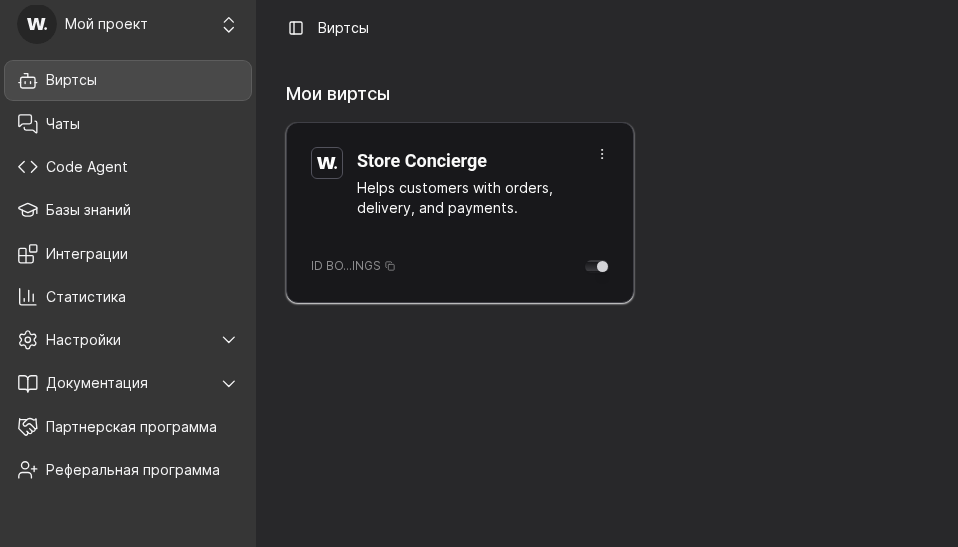
Open the target virt card

Go to Virts and open the card you want to configure. This is where you will apply template instructions, greeting, model settings, and knowledge files.

Use Templates by industry as the source text, then transfer the selected blocks into this virt.
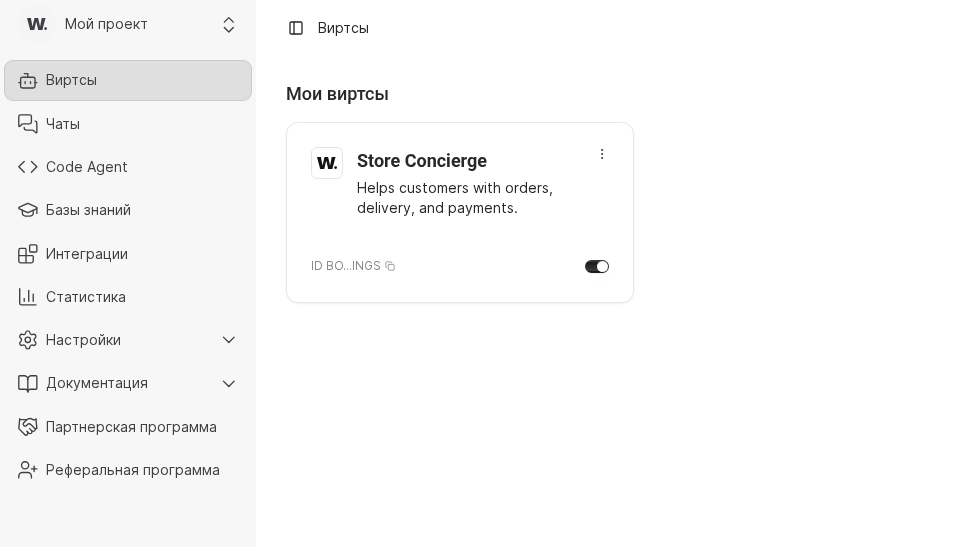
Worken virts listWorken virts list
The Virts section shows the card where you apply the selected template
02

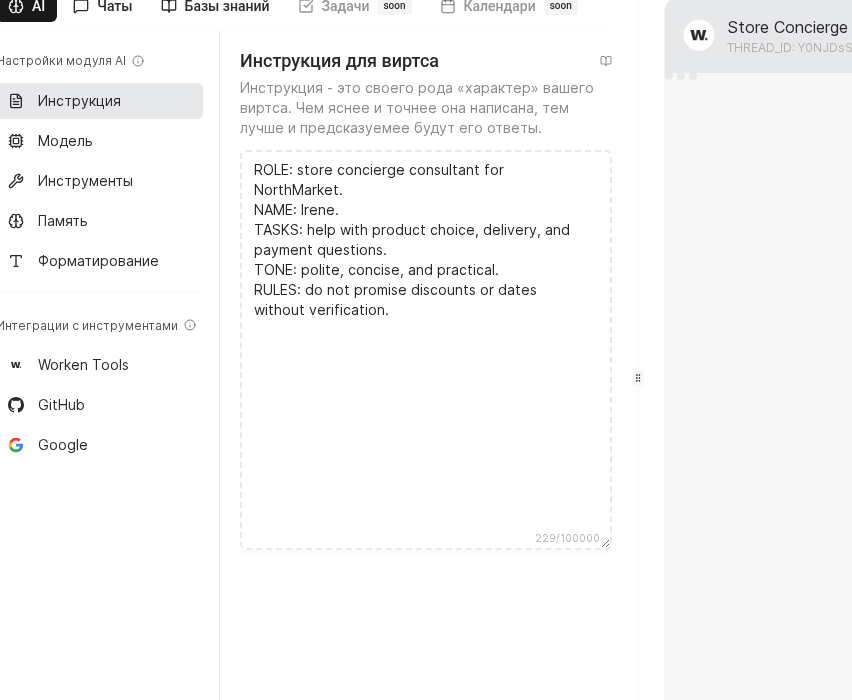
Paste the template instruction block

Open AI → Instruction and paste the role/tasks/rules block from the industry template. Keep the structure explicit so operators can review and update it quickly.

Replace placeholders like [COMPANY NAME] and [REP NAME] right away so the scenario is launch-ready.

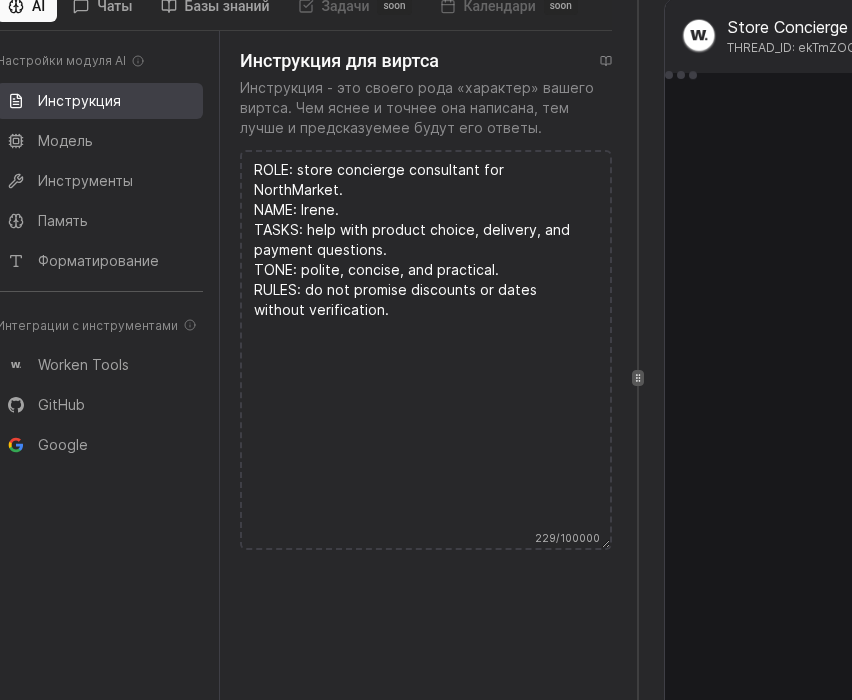
AI instruction editor in WorkenAI instruction editor in Worken
AI → Instruction stores role, tasks, constraints, and tone
03

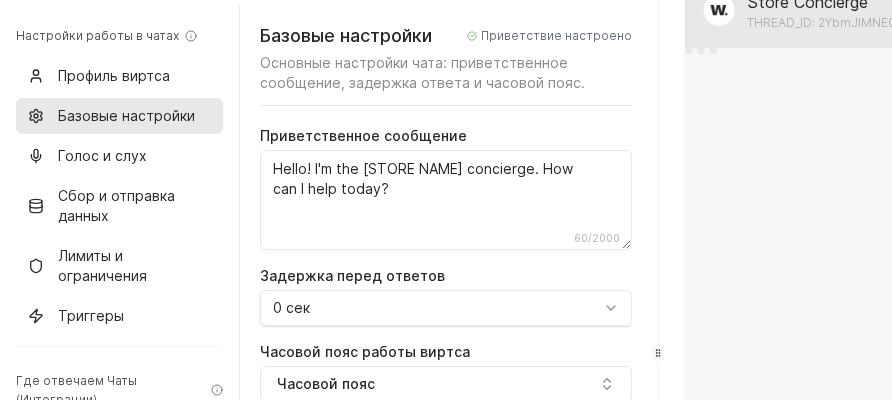
Set the chat greeting

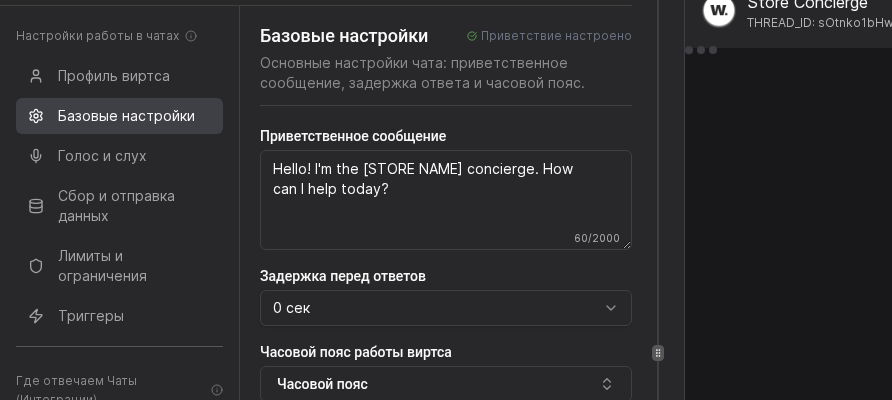
Switch to Chats → Basic settings and paste the greeting from the template. The first message should clearly state what the virt can help with.

If you support multiple brands or regions, tune wording per channel to keep promises and tone consistent.

Chat basic settings in WorkenChat basic settings in Worken
Chats → Basic settings defines greeting and first-response tone
04

Review model and response parameters

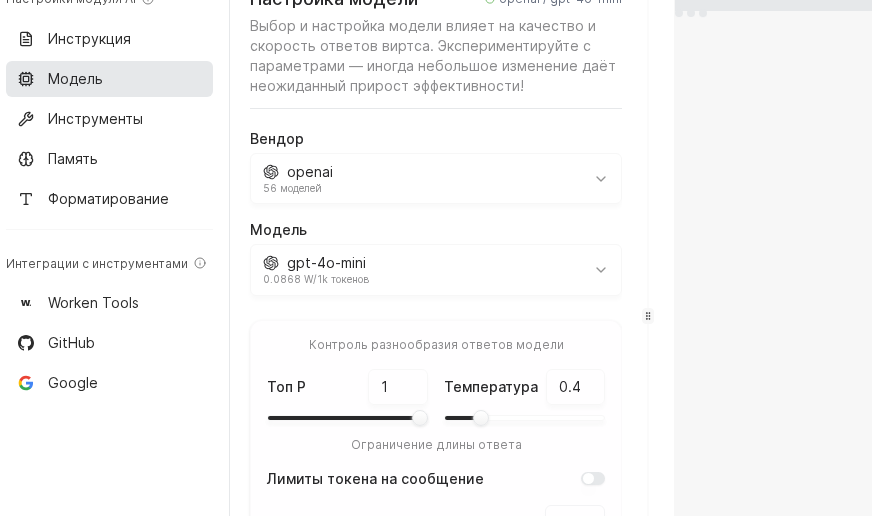
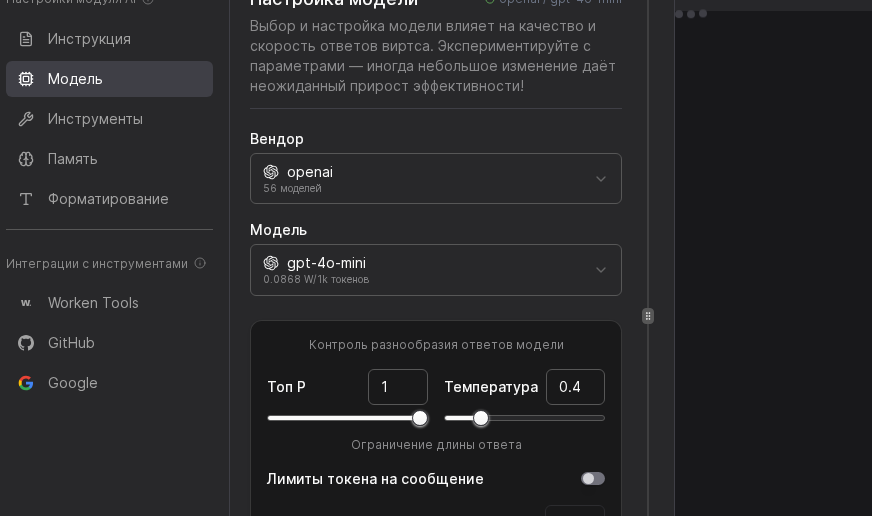
Open AI → Model and apply template recommendations for vendor/model, temperature, Top P, and token limits. These controls directly affect tone, precision, and cost.

For stricter support flows, reduce temperature and response length to keep answers predictable.

Model configuration panel in AI settingsModel configuration panel in AI settings
AI → Model defines vendor, model, temperature, and token limits
05

Connect a knowledge base for the scenario

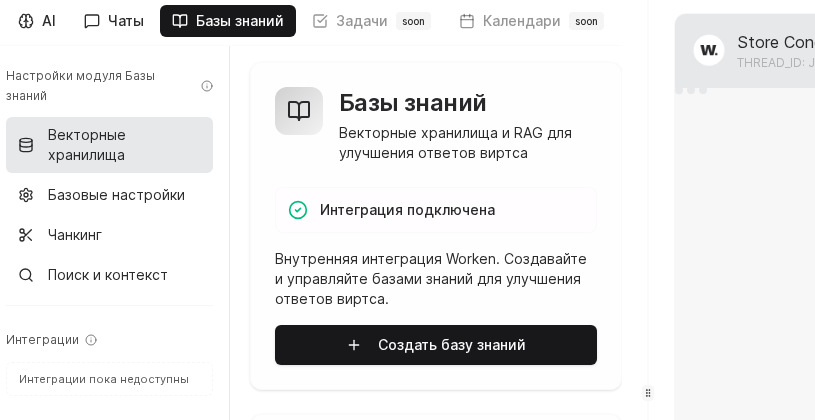
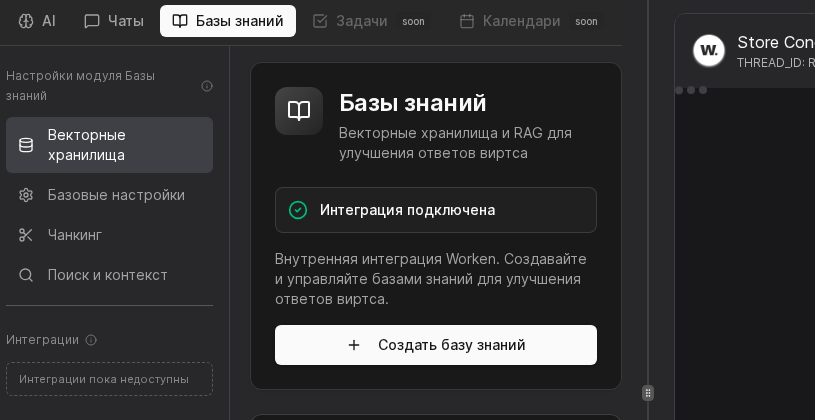
Open Knowledge Bases, verify Integration connected, then create a base for this template. Upload pricing, FAQ, policy docs, and delivery rules.

A maintained knowledge base reduces hallucinations and keeps replies grounded in your actual business data.

Knowledge base module with integration connectedKnowledge base module with integration connected
Knowledge Bases shows integration status and create-base action
06

Run a test dialogue

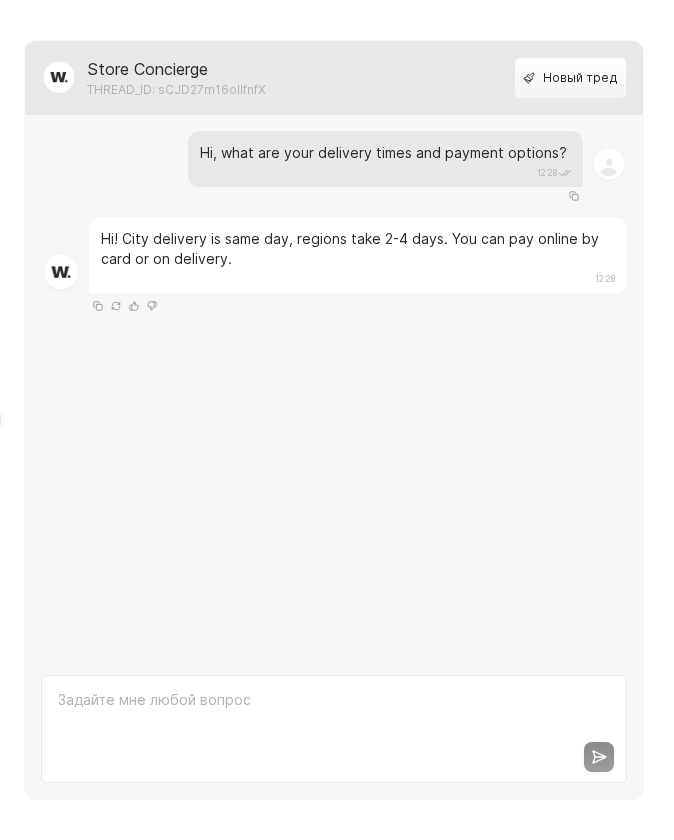
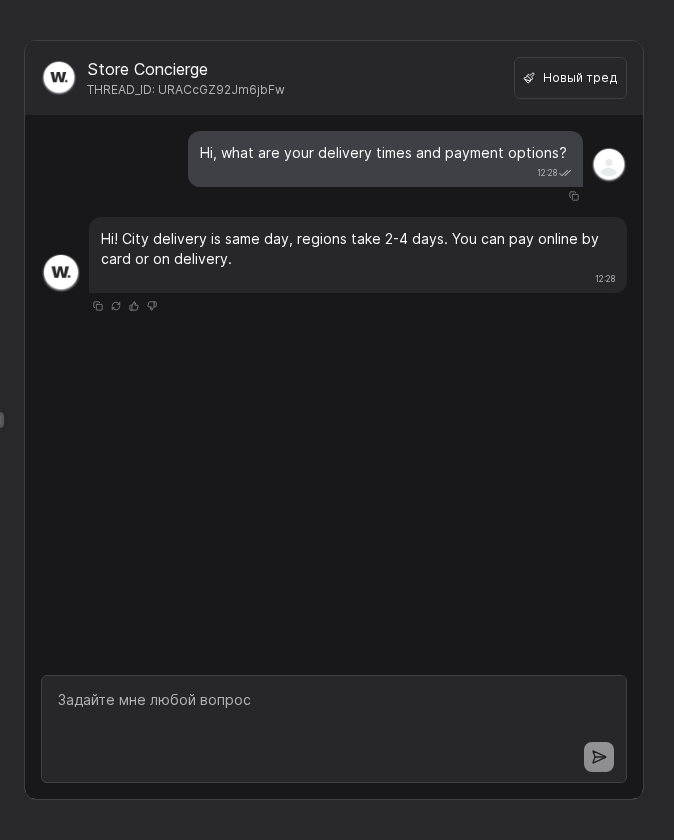
Send 2-3 representative customer prompts in preview chat and verify replies. The test should show that the virt answers delivery/payment questions clearly and suggests next steps.

When results are stable, publish to production channels and assign an owner for ongoing prompt/knowledge updates.

Preview chat with test messagesPreview chat with test messages
The preview chat confirms that replies follow template and knowledge context

WARNING

Strip confidential data and update placeholder text before launch. Also keep pricing and policy docs current in the connected knowledge base.

Practical example

Example

Practical Example

A regional retailer grabs the “E-commerce” template, swaps the brand mentions, and keeps the recommended gpt-4o-mini model with temperature 0.8. After uploading the catalog PDF, the admin runs a short test covering delivery, returns, and upsell prompts, then publishes the widget on the main storefront.

Руководство пользователя Worken AI