01
Confirm the virt status
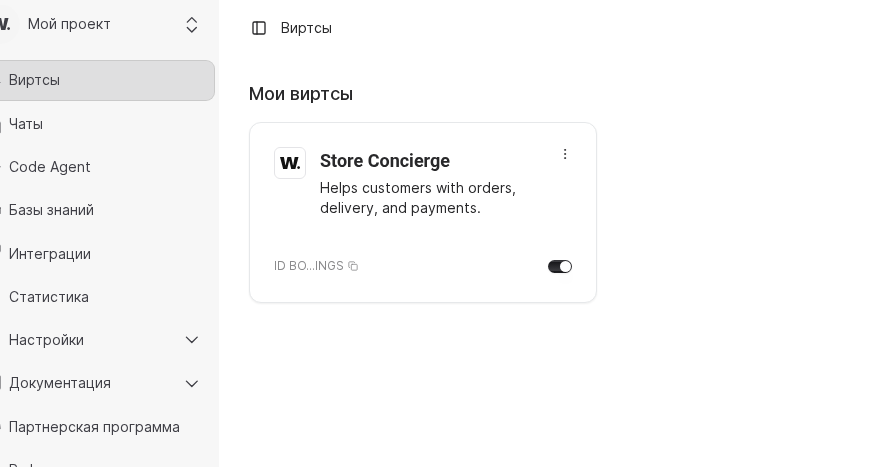
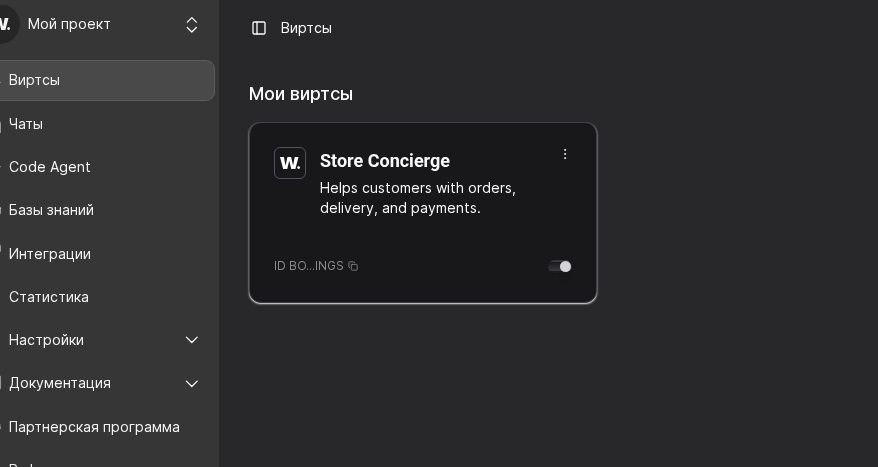
Open Virtuals and check that the card is marked Active, the model is available, and channel badges have no warnings. Reconnect the channel first if you notice a token or OAuth alert.

Use this checklist to run a quick health check before you contact Worken support. Collect the facts from each step so the team can reproduce the issue faster.
Before you start
Open Virtuals and check that the card is marked Active, the model is available, and channel badges have no warnings. Reconnect the channel first if you notice a token or OAuth alert.
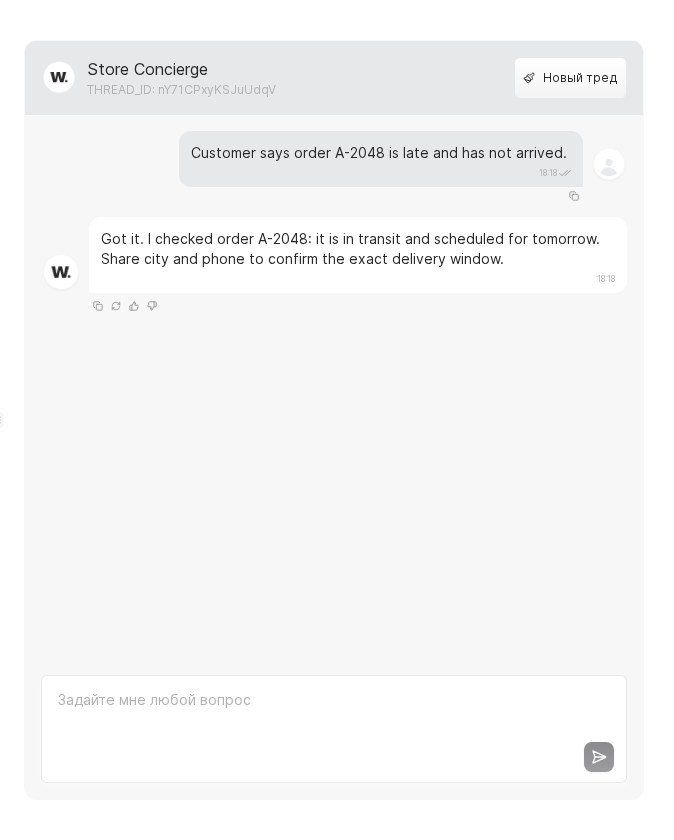
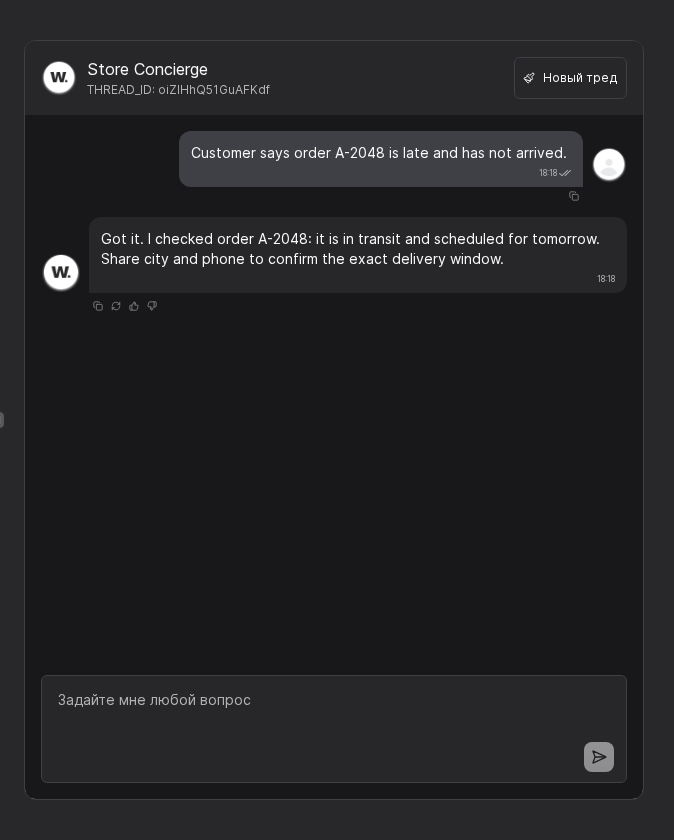
Switch to Test chat, send the same prompt your customer used, and compare the answer to what the customer saw. Save the message timestamps and key response wording for your incident note.
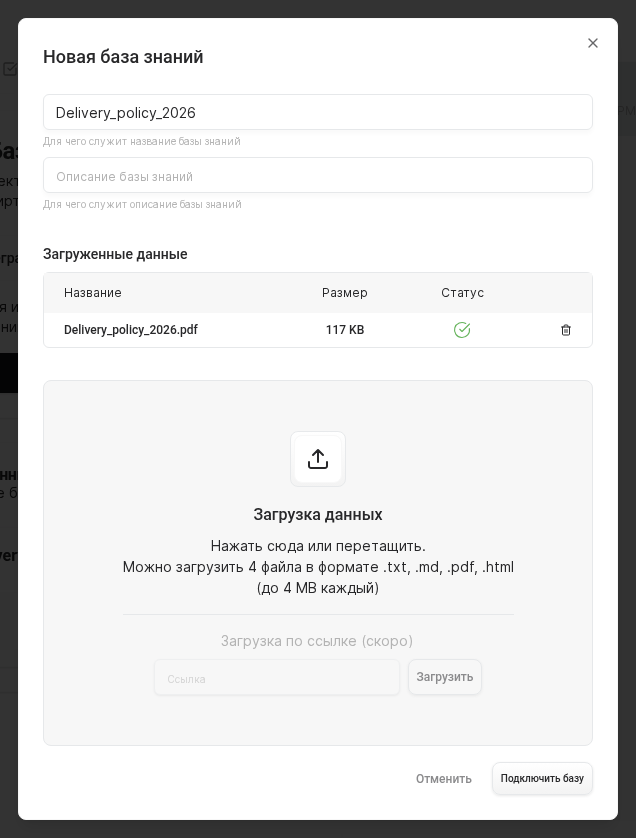
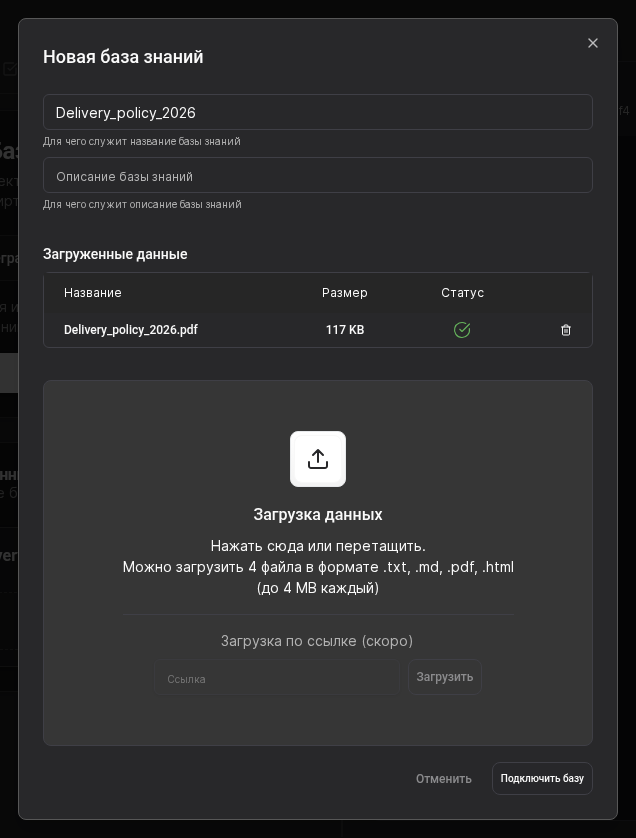
Visit Knowledge, open the connected source, and confirm the uploaded PDF is present with a successful processing state. Re-sync stale connectors and upload a revised policy file when business rules change.
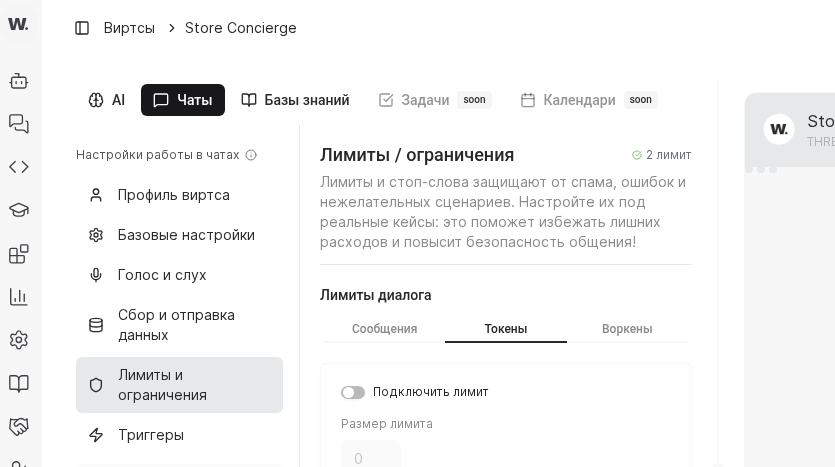
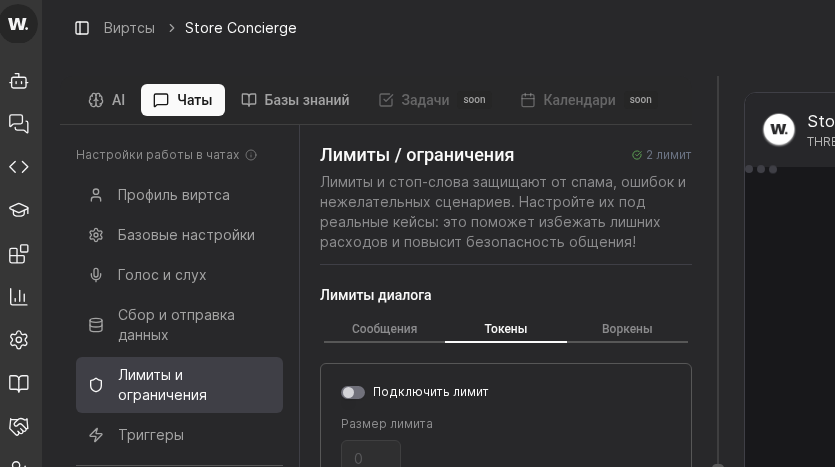
Navigate to Settings → Usage limits, make sure the Worken balance is positive, and confirm the daily token cap still has headroom. If a connector is paused because of an exceeded budget, top up or raise the limit before testing again.
WARNING
Never share bot tokens or webhook URLs in screenshots. Rotate the credentials after every off-boarding and store them in an internal secret manager.
Example
A marketplace notices that their Telegram virt ignores new chats. The operator reviews the virt card, reproduces the behavior in Test chat, and spots a zero balance in the Usage limits tab. After topping up Workens and repeating the test, the channel starts answering again without any code changes.