01
Open the “Profile” tab
Select the Virts and open the Profile tab. This page contains all identity controls—name, description, greeting, and formatting—for how the assistant appears in customer chats.
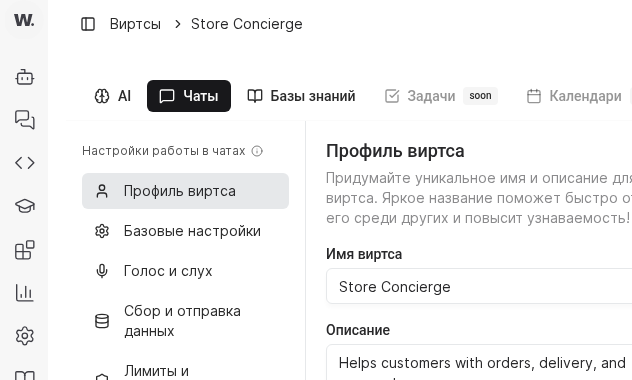
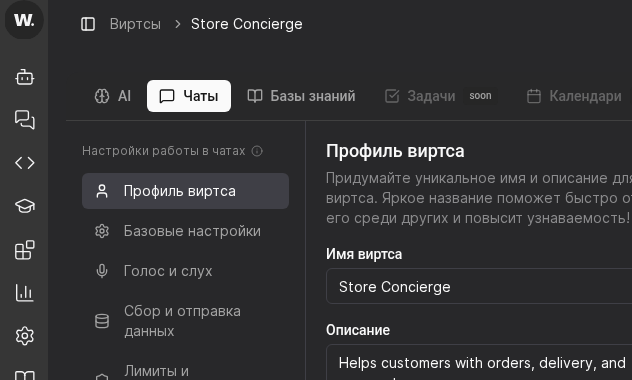

The Virts profile defines how your assistant introduces themselves: which name a customer sees, which tone you describe, and what welcome message appears in the chat.
Preconditions
Select the Virts and open the Profile tab. This page contains all identity controls—name, description, greeting, and formatting—for how the assistant appears in customer chats.
Enter a memorable name such as “TechWorld Consultant” or “Clinic Navigator”. Use the description field (up to 2000 characters) to capture core responsibility and escalation rules so teammates know when to involve this Virt.
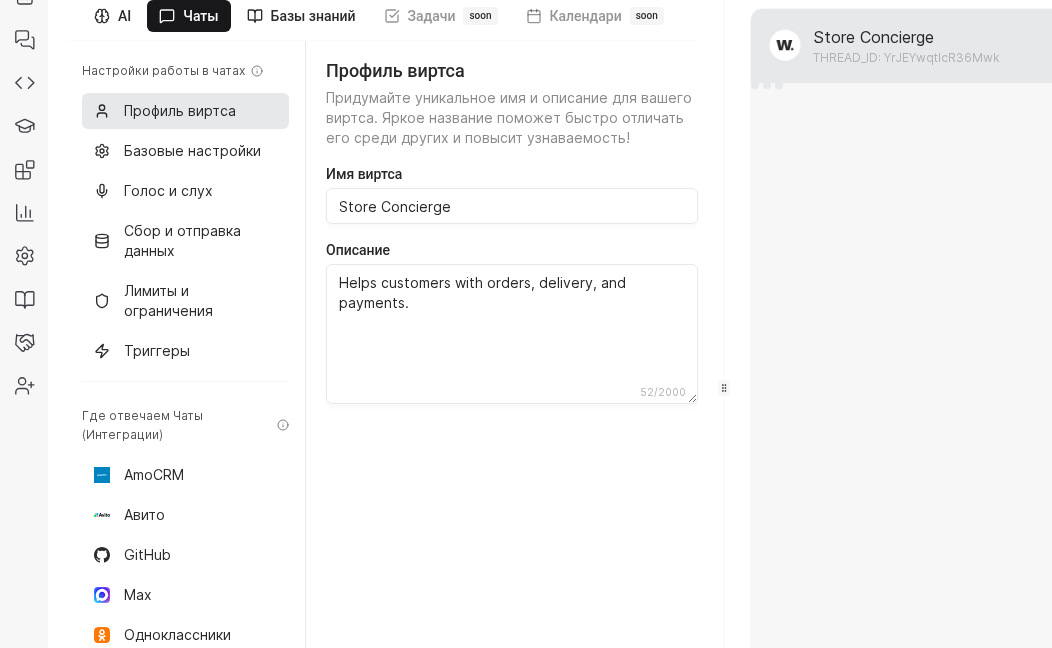
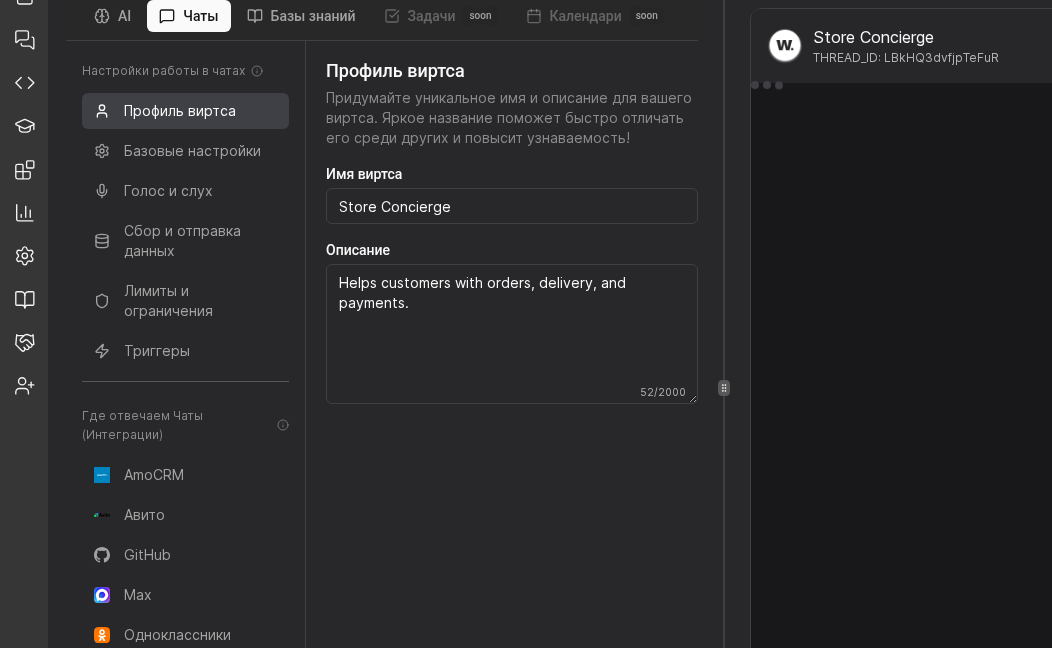
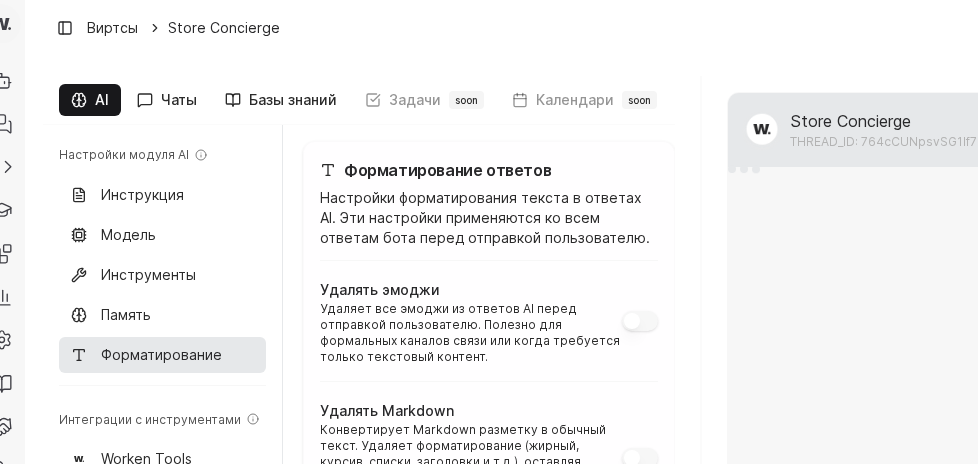
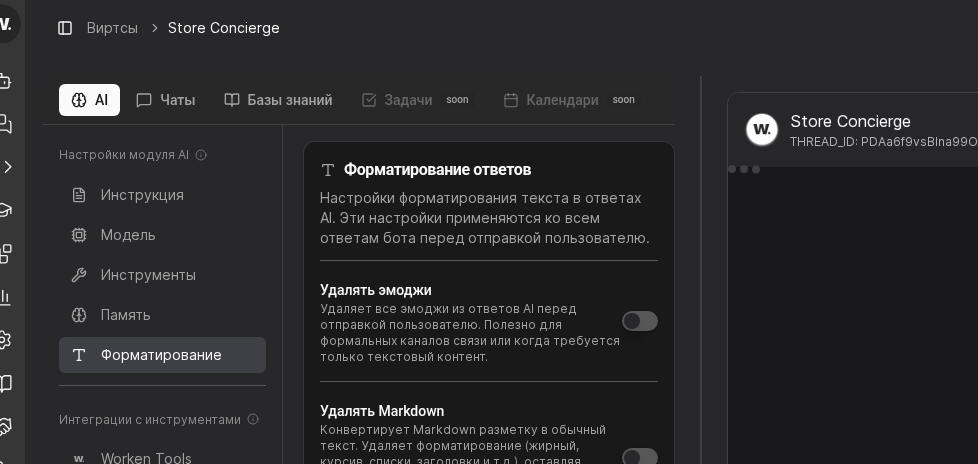
After saving the greeting, open the Formatting section and verify response filters such as emoji and Markdown removal. These toggles keep replies aligned with channel constraints and your brand voice.
TIP
Send yourself a preview message every time you change the greeting. This reveals how the intro looks in light and dark themes and whether formatting filters still produce readable copy in messengers like Telegram or WhatsApp.
Example
An electronics retailer uses the name “TechWorld Consultant”, a short description about helping with laptops, and a greeting that mentions shipping timelines. Markdown removal keeps replies consistent between the website widget and WhatsApp where formatting is limited.