01
Authorize GitHub in Code Agent
Open Code Agent, click Connect GitHub, approve the OAuth request, and select the repository plus the primary branch (usually main). Worken stores the connection so any task can reference this repo.
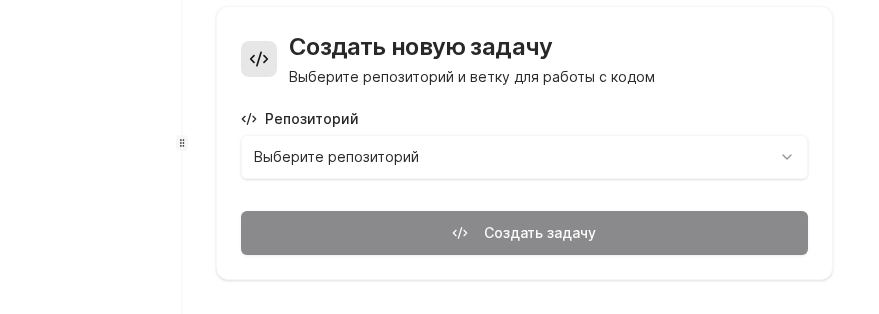
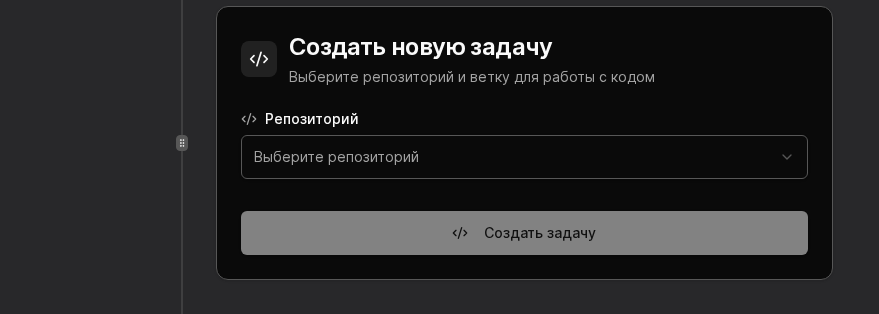

Use the GitHub channel to let a virt inspect repositories, make commits, and open pull requests under your supervision. This keeps code work inside the same Worken surface where you manage conversations.
Preconditions
repo and workflow scopesOpen Code Agent, click Connect GitHub, approve the OAuth request, and select the repository plus the primary branch (usually main). Worken stores the connection so any task can reference this repo.
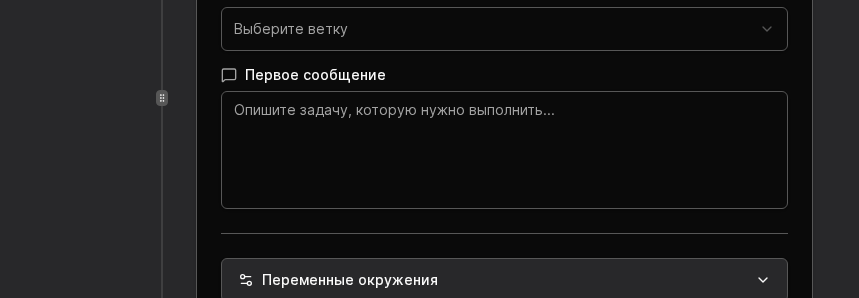
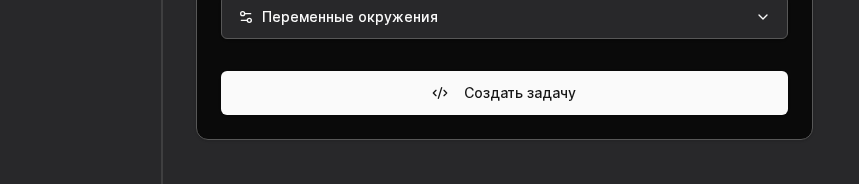
Fill the First message field with context, goals, and constraints. Add environment variables (API keys, URLs, feature flags) in the same screen so the virt can run tests locally within the Worken sandbox.
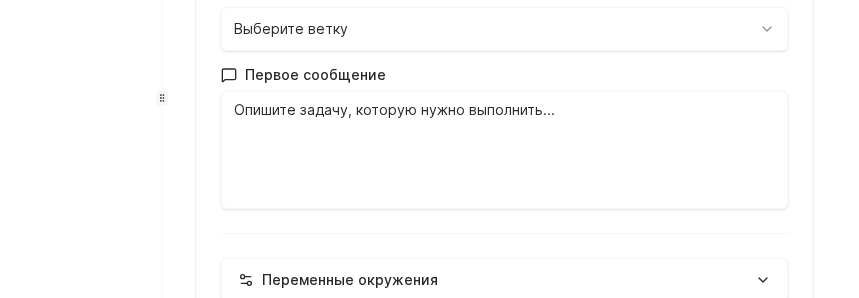
After the virt starts working, monitor the History tab to see edited files, commands, and PR links. Request worken approval for sensitive repositories or add an extra reviewer before merging.

WARNING
Limit the OAuth token to the smallest scope and rotate it if you suspect exposure. Revoking the token in GitHub immediately disables the channel until you re-authorize inside Worken.
Example
An e-commerce team links shop-checkout, asks the virt to “optimize bundle splitting and add pagination to order history,” and provides staging API keys via environment variables. The virt opens a pull request with test results, while workens review and merge the changes.