01
Collect provider credentials
Create or open your Business API app and copy the Phone Number ID, Business Account ID, and Access Token. Approve any outbound templates you plan to use so conversations stay compliant.
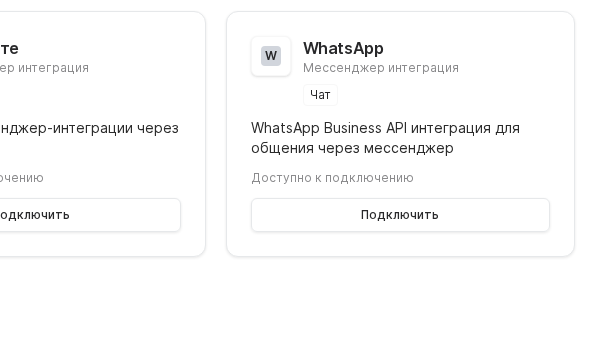
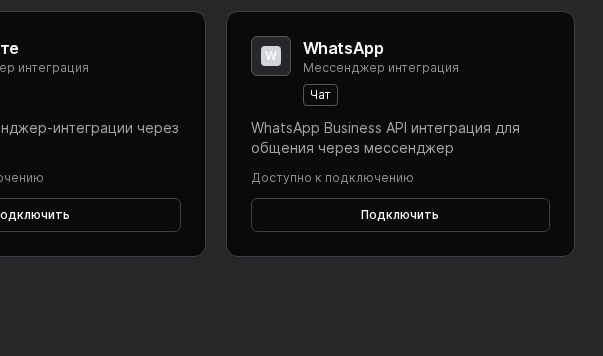

Connect WhatsApp Business to Worken so a virt can message customers through your verified phone number. The setup requires Business API access plus a short test dialog.
Preconditions
Create or open your Business API app and copy the Phone Number ID, Business Account ID, and Access Token. Approve any outbound templates you plan to use so conversations stay compliant.
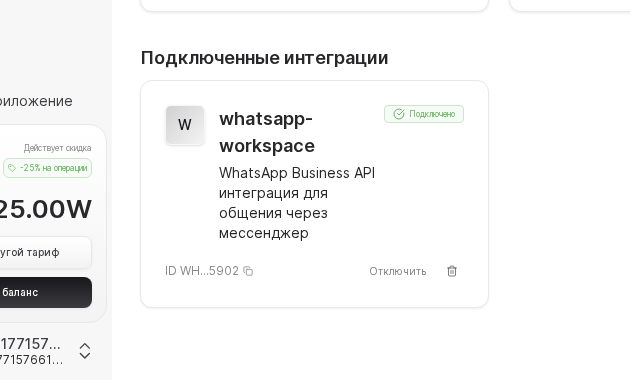
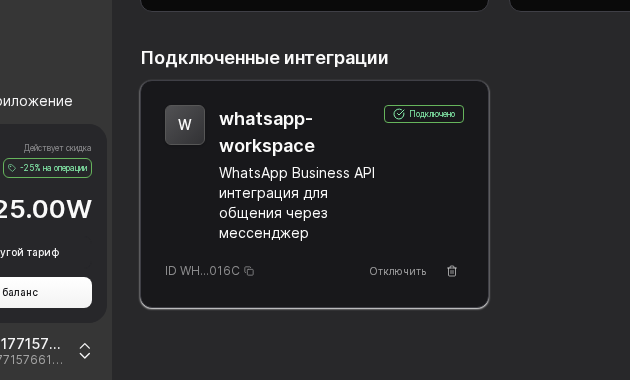
Open Integrations → WhatsApp, paste the values, select the virt, then hit Connect. Once the status flips to Connected, the channel becomes available inside the virt card alongside schedule controls.
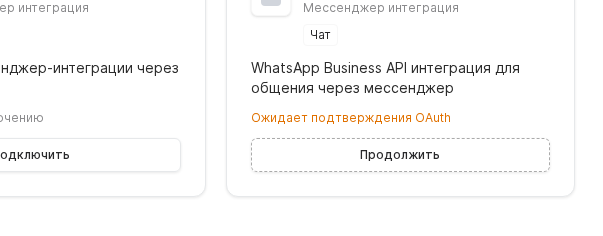
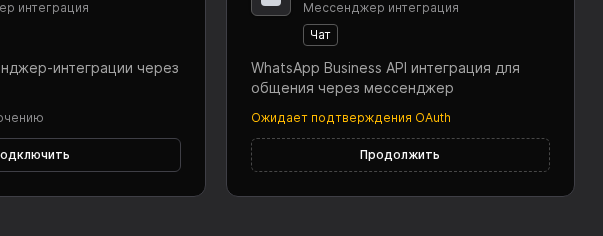
Message the number from a personal phone, ensure the virt responds promptly, then trigger one outbound template to confirm it is approved. Add escalation rules so workens jump in for payments or complaints while the virt handles FAQs.
WARNING
Many providers issue tokens that expire in 24 hours or 30 days. Add a reminder to refresh the token before it lapses and rotate it both in Worken and your secret manager to avoid outages.
Example
An English learning center links its WhatsApp Business number, writes an instruction that confirms the student level, offers two plans, and posts a secure payment link. After launch most inquiries are handled asynchronously in WhatsApp while workens only review payments and schedule callbacks.