01
Create the amoCRM app
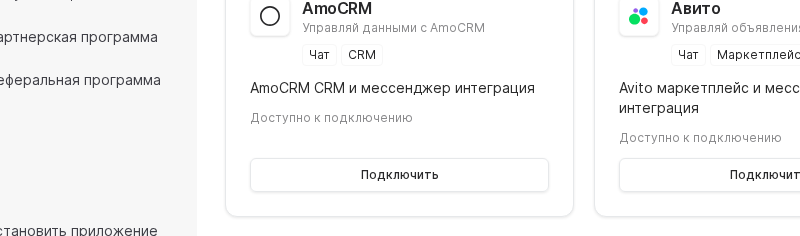
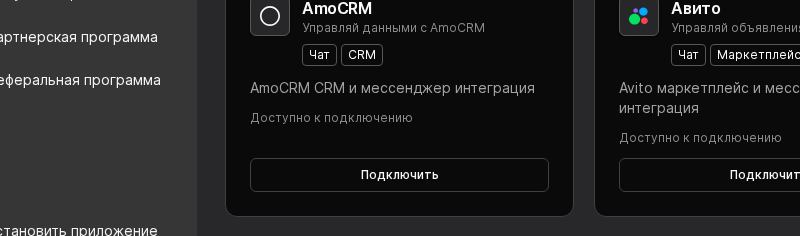
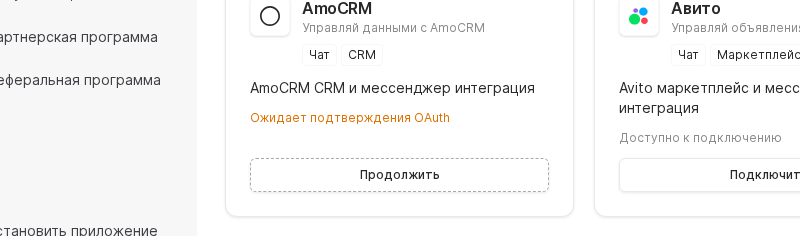
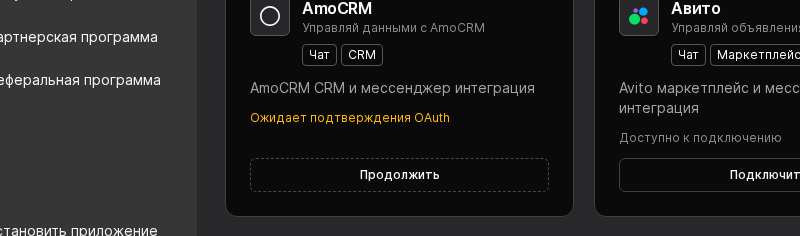
Sign in to amoCRM, open Settings → Integrations, and create an application. Save the generated Client ID and Client Secret in your internal secrets store, then return to Worken to start OAuth from the amoCRM card.
Enable scopes for leads, contacts, and tasks in amoCRM before you continue.