01
Register the Bitrix24 app
In Bitrix24 first, open Settings → Applications, create an app, and record the portal domain, Client ID, and Client Secret. Grant scopes for leads, contacts, and tasks, then return to Worken to start OAuth.
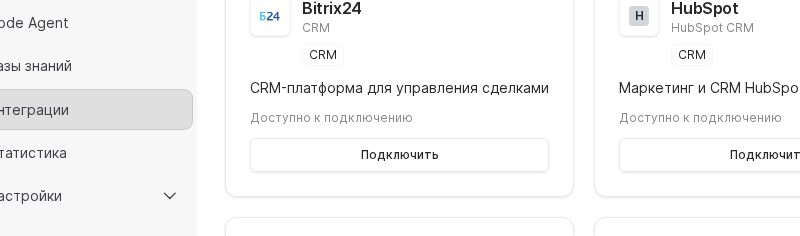
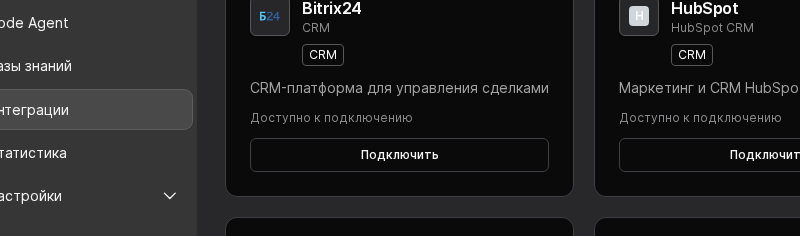

Bitrix24 keeps every virt conversation inside your CRM so sales managers can see status, tasks, and upcoming actions. Follow this checklist to configure the app, finish OAuth, and place leads into the correct pipeline.
Preconditions
In Bitrix24 first, open Settings → Applications, create an app, and record the portal domain, Client ID, and Client Secret. Grant scopes for leads, contacts, and tasks, then return to Worken to start OAuth.
Head to Integrations → CRM, select Bitrix24, and provide the domain, Client ID, and Client Secret. Click Connect, sign in with a shared corporate account, and approve the requested scopes.
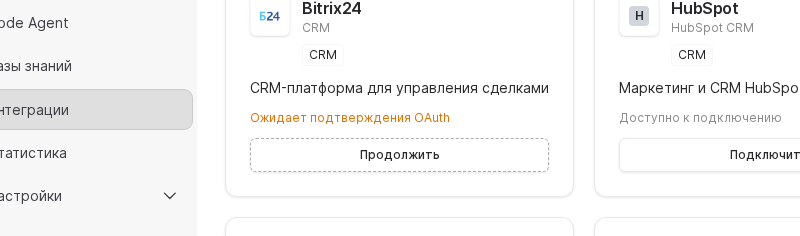
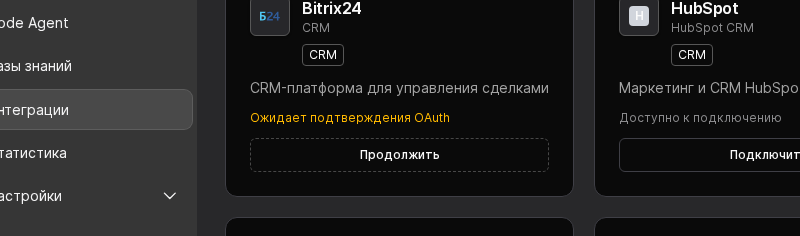
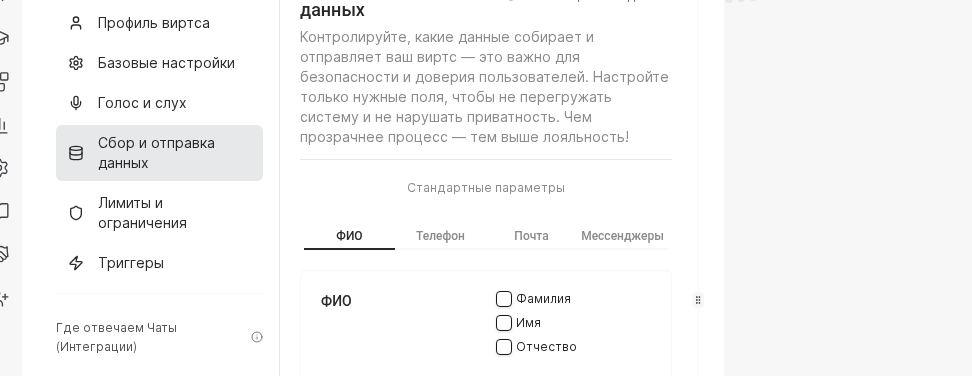
Open Chats → Data collection and map required fields such as name, phone, email, and channel tag. Then run a test conversation and verify in Bitrix24 that the lead is created with the expected values and stage.
WARNING
Never connect Bitrix24 using a personal account. When that employee leaves, the refresh token is revoked and all Workens lose access to the CRM until you reconnect with a compliant service identity.
Example
The FitnessLife club chain registers an app, plugs it into Worken, and targets the New Request stage. Every form submission or WhatsApp chat goes through the virt, which gathers city, preferred club, and contact details before Bitrix24 creates the lead and alerts the manager.