01
Generate OAuth credentials
Inside the Avito partner portal create an application, define redirect URLs, and copy the Client ID plus Client Secret. Make sure your seller account is verified so dialogs are available via API.
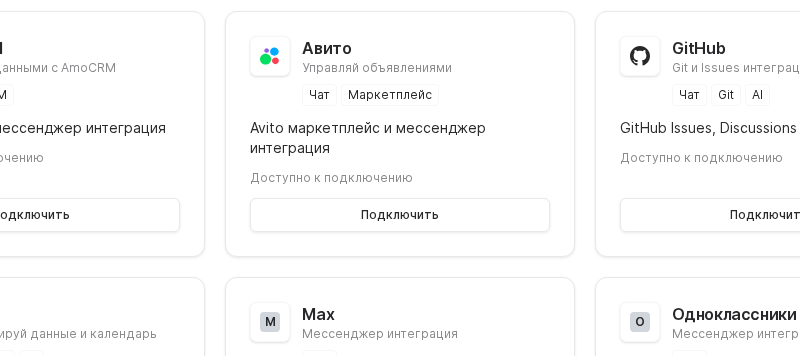

Connect Avito to Worken so a virt can respond to buyers right on the marketplace and log qualified leads automatically. The setup uses OAuth credentials plus a short authorization flow.
Preconditions
Inside the Avito partner portal create an application, define redirect URLs, and copy the Client ID plus Client Secret. Make sure your seller account is verified so dialogs are available via API.
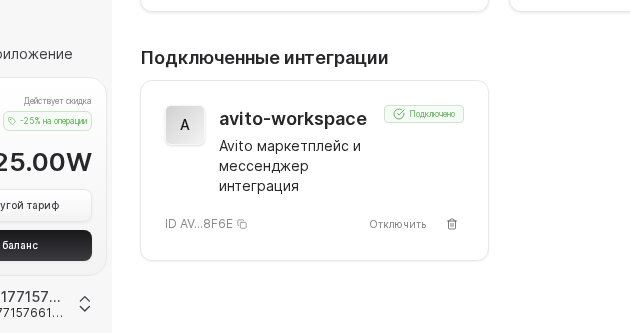
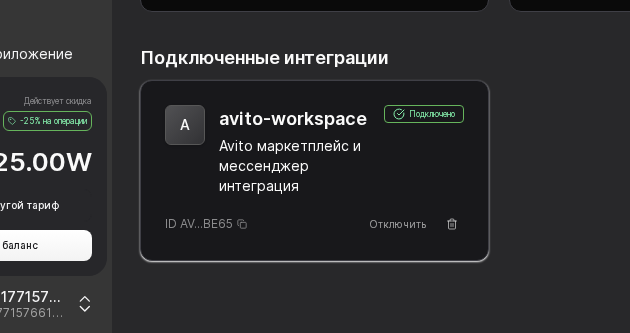
In Worken open Integrations → Avito, enter the Client ID and Secret, and click Connect. A pop-up from Avito will ask you to grant access; approve it so Worken can read and reply to marketplace messages.
If Avito says you need a professional seller profile, upgrade the account on Avito and try connecting again.
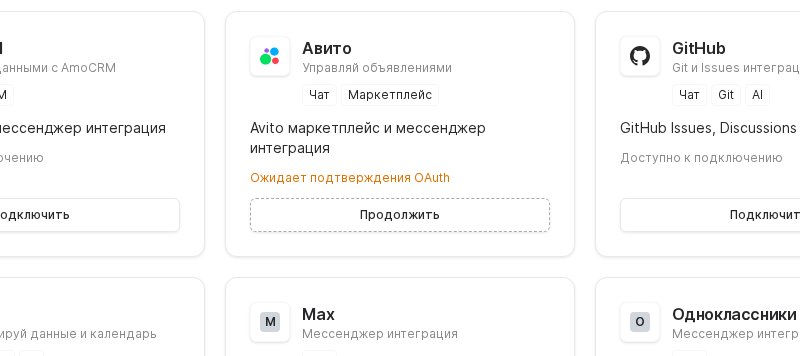
Send a message from a second buyer account, ask about availability, shipping, and payment, and confirm the virt responds correctly. Configure Worken rules so hot leads are escalated to workens or pushed into your CRM automatically.
WARNING
Refresh tokens from Avito expire on a fixed schedule (often every 30 days). Set a reminder to renew them ahead of time, otherwise the integration will silently stop replying. Update both Worken and your secret manager after every rotation.
Example
A handmade jewelry shop authorizes Avito, writes an instruction to greet buyers, clarify the desired model, and provide a checkout link. The virt now answers most inquiries directly in Avito chats while workens only step in when an order is ready to ship.