01
Request the Max bot credentials
Ask your Max administrator to open a ticket for a service bot or contact Worken support to do it on your behalf. When the request is approved you will receive the Bot ID, API Token, and optionally a domain name.
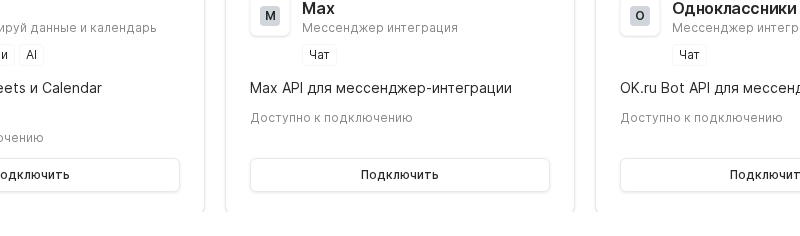
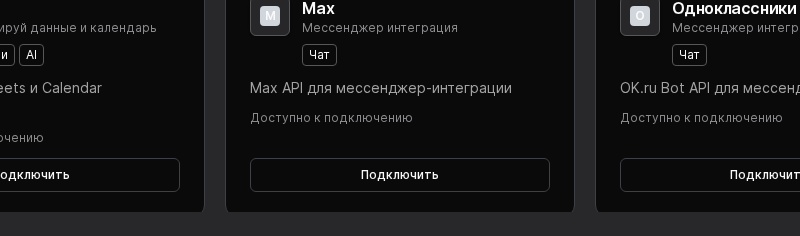

Use the Max integration to bring your internal messenger into Worken so a virt can support employees without switching tools. The channel is available for Max Business and Enterprise plans.
Preconditions
Ask your Max administrator to open a ticket for a service bot or contact Worken support to do it on your behalf. When the request is approved you will receive the Bot ID, API Token, and optionally a domain name.
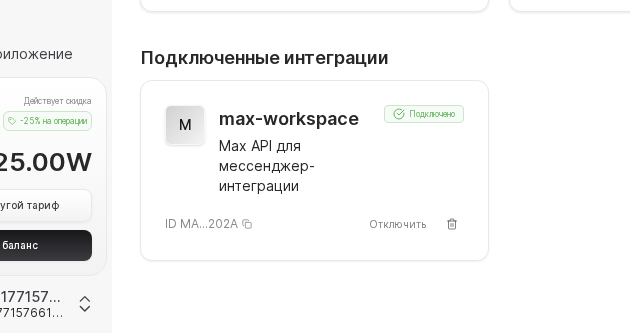
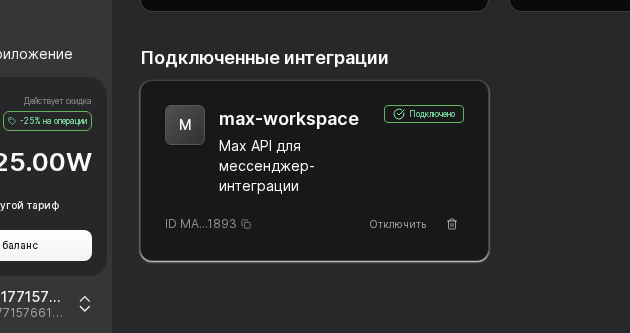
Open Integrations → Max, paste the Bot ID, API token, and domain, then select the virt. Click Connect and wait for the Connected status.
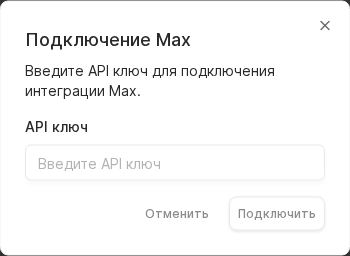
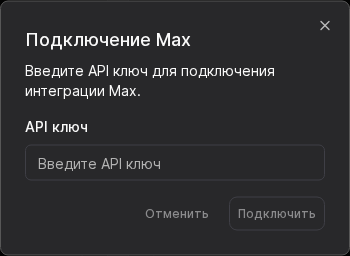
Add the bot to a private dialog and to a pilot group, ask a few common IT questions, and verify that the virt keeps the right tone. Configure escalation keywords so workens jump in for hardware failures or urgent outages.
WARNING
Max API tokens are shared under NDA. Store them only in Worken and your corporate secret manager. Rotate the token whenever admins leave the company and re-test the channel after every rotation.
Example
A bank teams spins up a virt named “Helpdesk”, plugs in the Max credentials, and instructs it to handle password resets, VPN guides, and laptop setups. Around 60% of requests are now closed by the virt while workens focus on complex incidents.
Learn more
See every connector in one place
Learn more
Embed chat anywhere on your site
Learn more
Sync Issues and Discussions conversations
Learn more
Connect the official bot and handle chats
Learn more
Use your business number and message templates