01
Create a chat access key
Open Group Management → Settings → Working with API, click Create Access Key, choose the Chat access key type, and enable read plus send permissions. Copy the Access Token and the group ID from the URL.
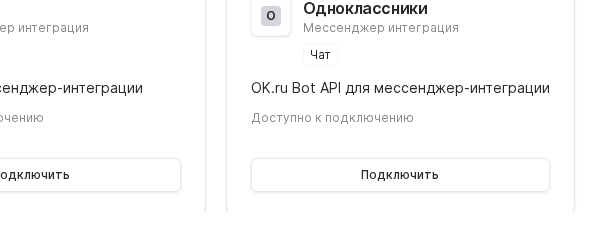
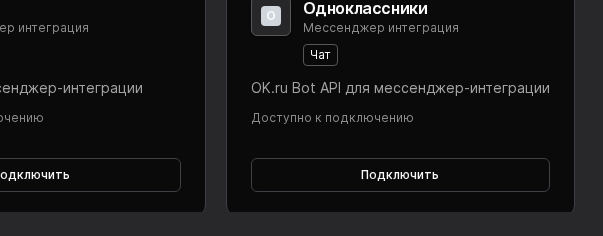

Connect your Odnoklassniki group to Worken so a virt can answer members directly in group chats. The flow relies on a chat access key and the group ID.
Preconditions
Open Group Management → Settings → Working with API, click Create Access Key, choose the Chat access key type, and enable read plus send permissions. Copy the Access Token and the group ID from the URL.
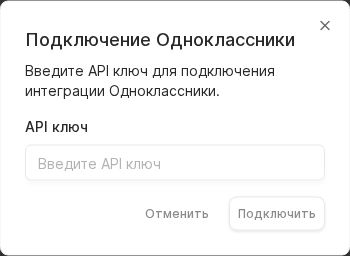
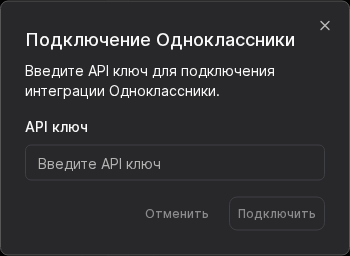
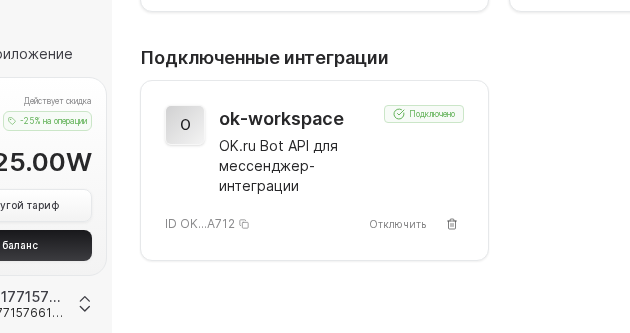
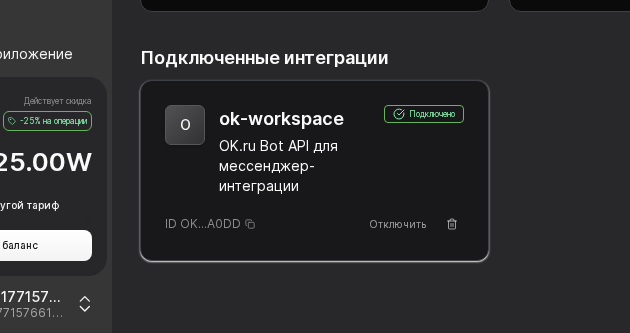
Go to Integrations → Odnoklassniki, paste the token and Group ID, select your virt, and click Connect. When the status is Connected, the channel is ready and can be scheduled like any other surface.
Message the group from a personal profile, ask two or three questions, and confirm the virt keeps the polite tone from the instruction. Enable an escalation keyword so workens can take over cases that require a call.
WARNING
Odnoklassniki chat keys expire every year. Add a calendar reminder to rotate the key early. Once the key expires, Worken loses access and customers see no replies until a new token is saved.
Example
A kids education center issues a chat key, writes an instruction to greet parents by name, clarify the child’s age, and suggest two programs. The virt handles most schedule questions inside Odnoklassniki while the education team only reviews leads escalated to workens.