01
Open the integrations hub
Go to the Integrations tab and select Channels. Use the filters to switch between CRM, messenger, marketplace, and personal channel categories, then pick the one you plan to deploy.
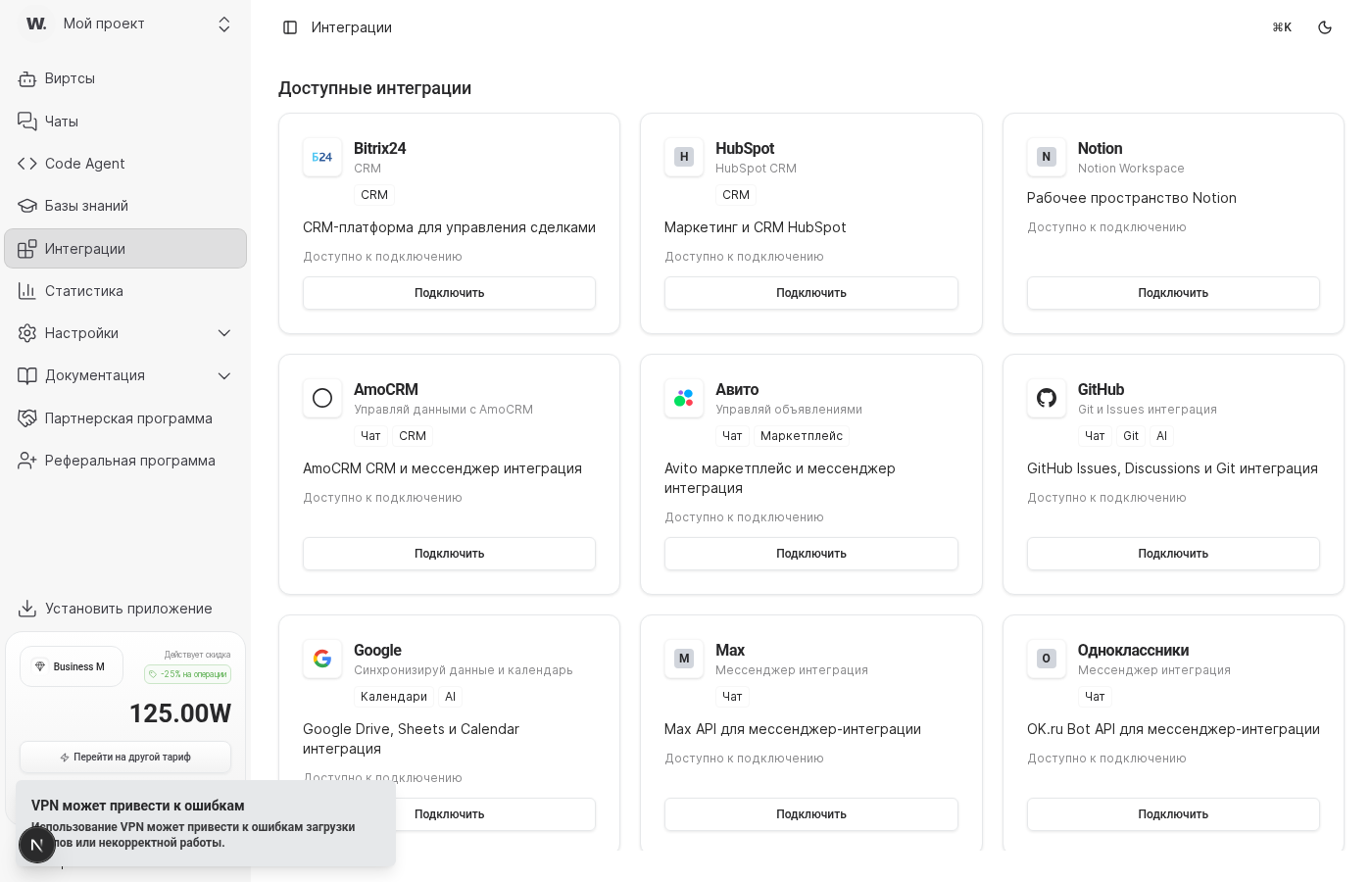
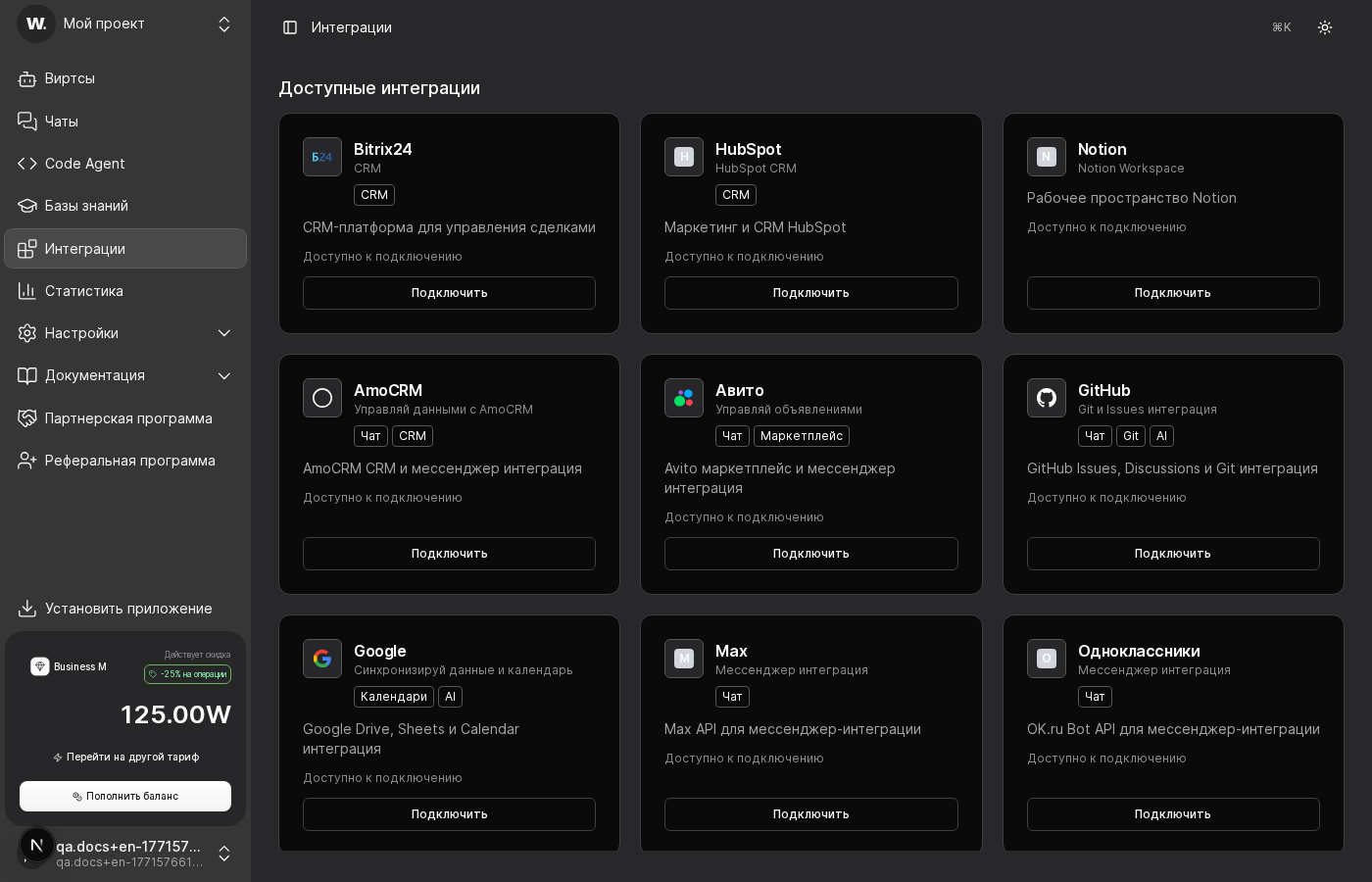

Channels connect Workens with CRMs, messengers, marketplaces, and owned touchpoints so every request lands in the right pipeline. Follow the flow below to confirm requirements and activate your first channel.
Preconditions
Go to the Integrations tab and select Channels. Use the filters to switch between CRM, messenger, marketplace, and personal channel categories, then pick the one you plan to deploy.
Open the card and review the connection requirements shown in its description. Confirm you have the right domains, phone numbers, or API keys, and note which objects Worken syncs to keep your CRM or messenger state up to date.
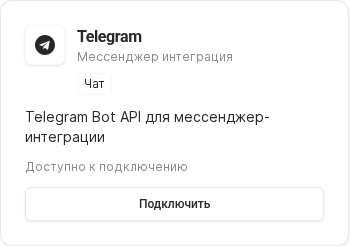
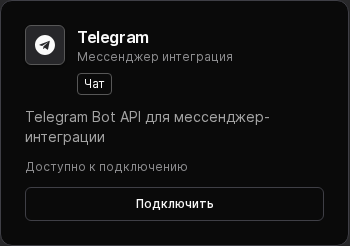
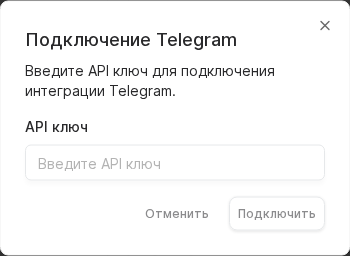
Click Connect, approve the OAuth request in the target service, and assign the channel to the virt that will handle replies. Send a test message to verify that Worken receives and routes new events correctly.
WARNING
Always connect channels with a shared corporate account that uses multi-factor authentication. Personal owners who leave the company revoke the token and stop message delivery for every virt tied to that channel.
Example
A delivery support team enables amoCRM and Telegram. The admin connects both channels, drops a sample ticket, and sees how the virt files a lead into amoCRM while continuing the chat thread without agent input.
Learn more
Embed chat on your site
Learn more
Connect the official Worken bot
Learn more
Use your business number and templates
Learn more
Send leads into the CRM pipeline
Learn more
Automate replies on listings
Learn more
Set the avatar, greeting, and schedule